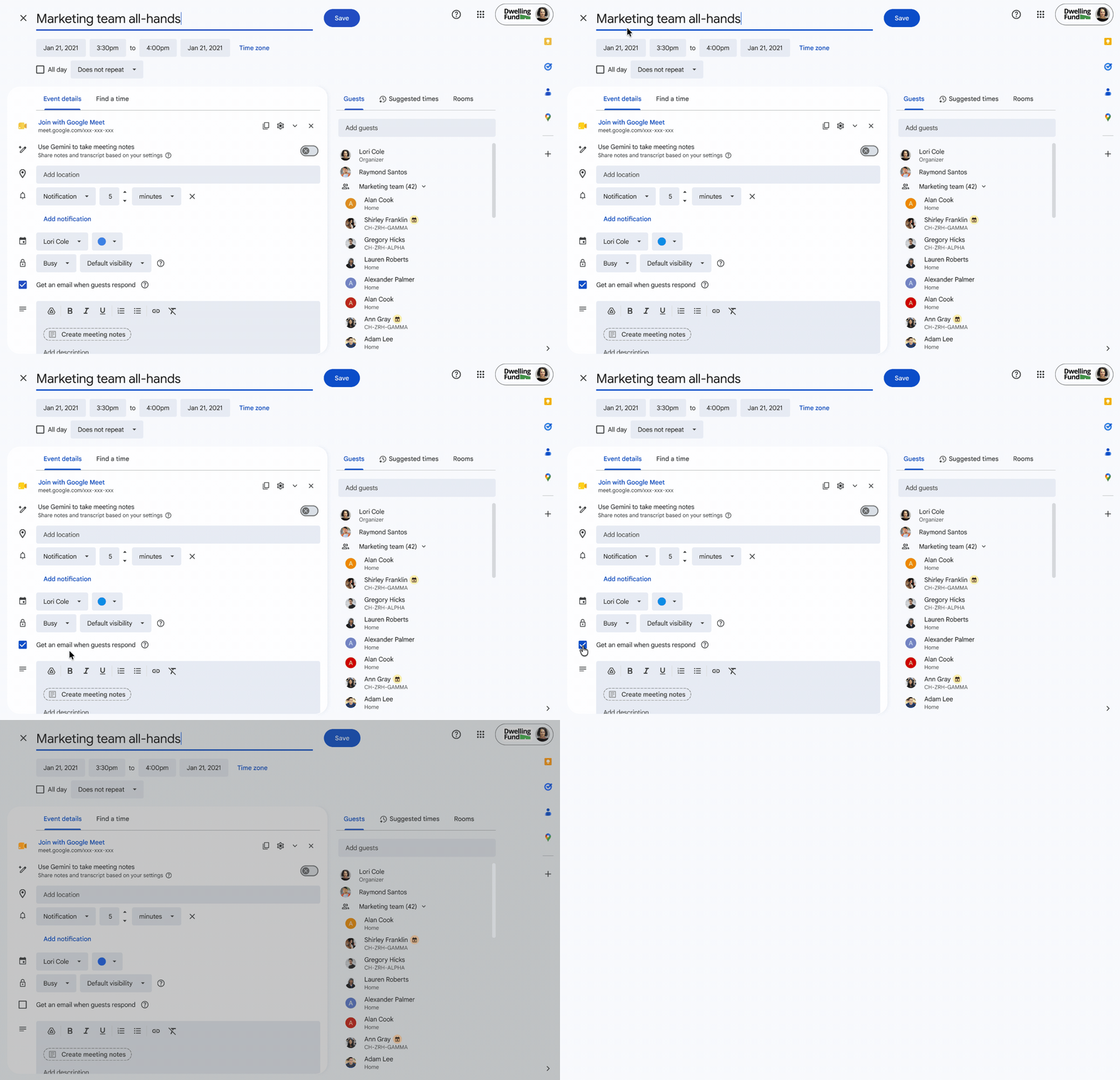
Update (October 1, 2026): This post has been updated to reflect a change in rollout schedule:
- Rapid Release domains will now see an extended rollout, expected to complete by October 13 (previously expected to complete October 9)
- Scheduled Release domains will see a full rollout starting on October 18 and expected to complete by October 22 (previously expected to complete by October 15).
We’re making it easier to schedule and coordinate meetings across global teams by expanding time zone support in Google Calendar on the web. You can now configure and display up to three time zones—a primary, secondary, and new tertiary time zone—directly on your calendar grid. Previously, users could only display a primary and secondary time zone.
Whether you’re an executive assistant managing complex calendars for leaders across regions, a project manager coordinating global launches, or a team member working with colleagues in San Francisco, New York, and Zurich, viewing three time zones at once reduces scheduling friction and eliminates manual time conversions.
- Main calendar grid (Day, Week, and Custom multi-day views): View up to three labeled time zone columns side-by-side along the left side of your calendar grid to compare local working hours at a glance.
- Find a Time view while scheduling: When creating or editing events in “Find a Time”, Calendar displays up to three time zones.
- Custom labels: Add custom labels (such as "SFO", "NYC", or "ZRH") to each of your three display time zones in Settings to easily identify them on the grid.
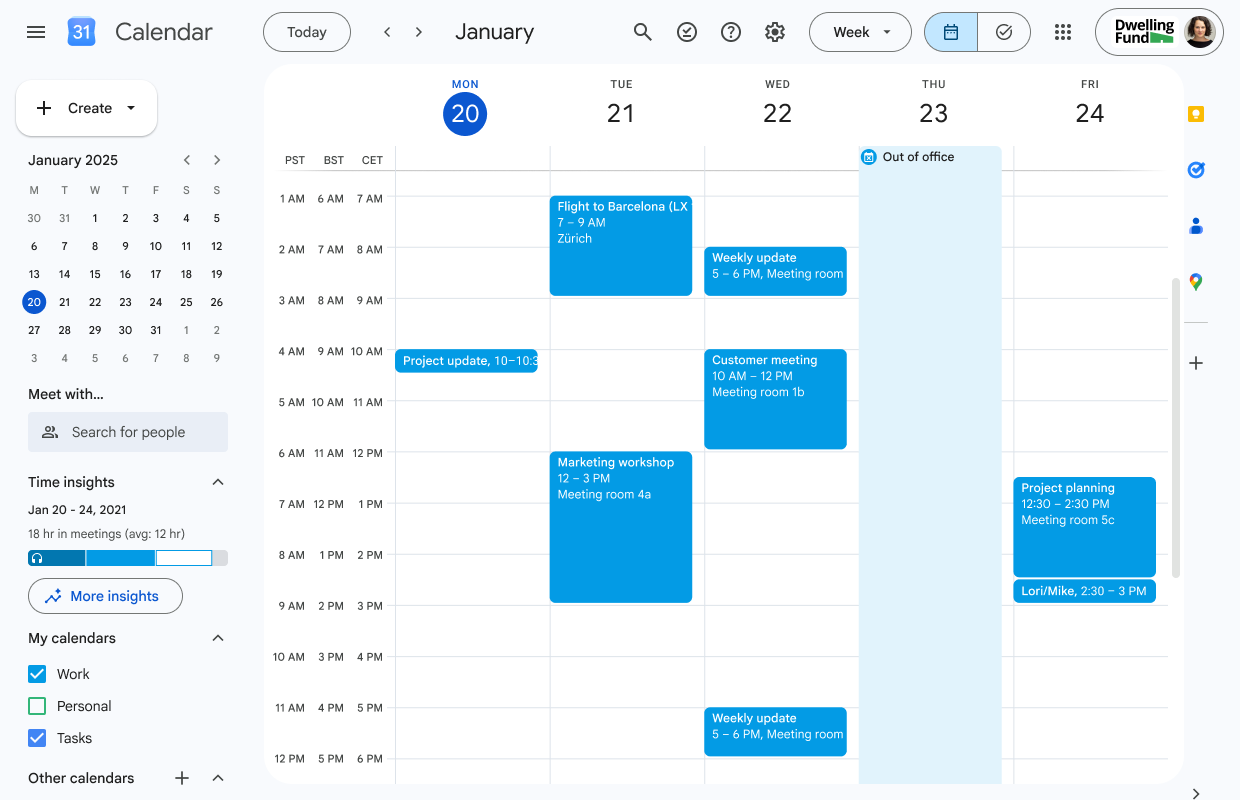 |
View up to three time zones side-by-side on Google Calendar on the web |
Getting started
- Admins: There is no admin control for this feature.
- End users: Visit the Help Center to learn more about using Google Calendar in different time zones.
Rollout pace
- Rapid Release domains: Extended rollout (potentially longer than 15 days for feature visibility) starting on September 25, expected to complete by October 13
- Scheduled Release domains: Full rollout (1–3 days for feature visibility) starting on October 19
Availability
- Available to all Google Workspace customers, Workspace Individual subscribers, and users with personal Google accounts
Resources
- Google Help: Use Google Calendar in different time zones