
Content & Marketing Automation
AI-powered APIAddress Detector
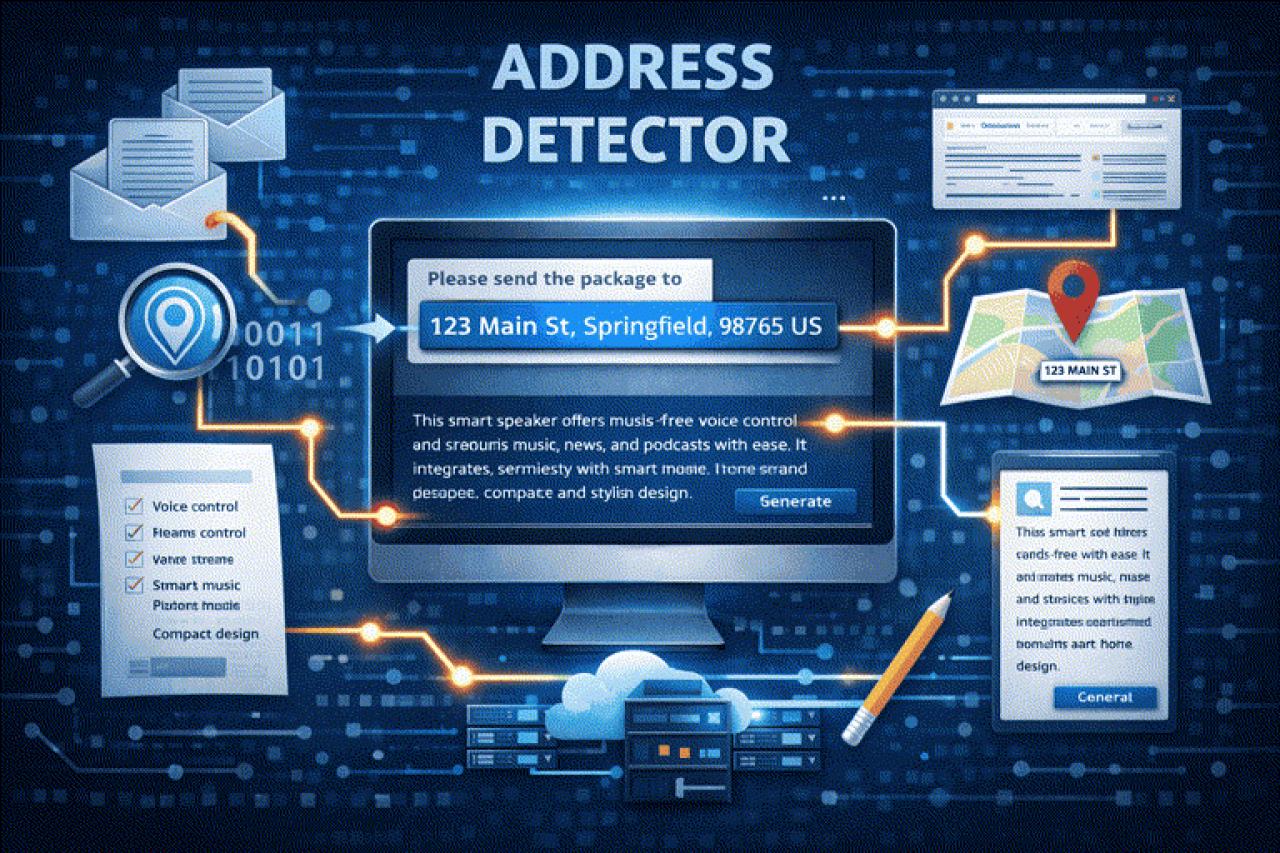
Detects and parses address information from unstructured text. Extracts components like street, city, postal code, country, and more.
Try it live — no signup needed
Live demoPaste a short text and watch this API process it in real time.
That was a live API response. Get your own API key and 100,000 free trial words — no credit card required.
Double opt-in, unsubscribe anytime.
AI jobs involve two key steps:
- Submitting the AI job: Initiating the process by sending the job request.
- Monitoring and receiving results: Continuously checking the job status and obtaining the final output upon successful completion.
Implement it with an AI coding agent
An alternative to the SDKs: copy this prompt into Claude Code, Cursor or Copilot. It holds everything the agent needs to call this endpoint directly over HTTP, including authentication, request format, job polling, rate limits and error handling.
# Implement the SharpAPI "Address Detector" endpoint

You are adding an integration with SharpAPI's Address Detector API to this codebase. This brief is an alternative to the official SharpAPI SDKs (PHP/Laravel, JavaScript/Node, Python, Flutter, .NET): it describes everything needed to call the API directly over HTTP. If the project already uses a SharpAPI SDK, use the SDK instead.

## What it does

Detects and parses address information from unstructured text. Extracts components like street, city, postal code, country, and more.

## Authentication and base URL

- Base URL: `https://sharpapi.com/api/v1`
- Send `Authorization: Bearer <API key>`, `Accept: application/json` and a `User-Agent` that names your app on every request.
- Read the API key from configuration or an environment variable (for example `SHARPAPI_API_KEY`). Never hard-code or commit it. The key is in the SharpAPI dashboard: https://sharpapi.com/dashboard

## Endpoints


## Example response

```json
{
    "data": {
        "id": "example-uuid",
        "type": "api_job_result",
        "attributes": {
            "type": "content_detect_address",
            "result": {
                "city": "New York",
                "road": "Main Street",
                "unit": "Suite 456",
                "state": "NY",
                "country": "United States",
                "postal_code": "10001",
                "contact_name": "John Doe",
                "country_code": "US",
                "house_number": "123",
                "organization": "Acme Corp"
            },
            "status": "success"
        }
    }
}
```

## Errors to handle

- `429`: rate limited. Wait the `Retry-After` seconds and retry, at most 3 times.
- `402`: the word quota is used up. Do not retry; tell the user to add credits or upgrade.
- `5xx`: retry later with backoff.

## Implementation rules
- Wrap the calls in one small client or service with a typed method for this endpoint, and map the result to a typed object or DTO.
- Track `X-RateLimit-Limit` and `X-RateLimit-Remaining`. When the remaining count drops to 3 or below, slow down.
- `GET https://sharpapi.com/api/v1/ping` checks connectivity and `GET https://sharpapi.com/api/v1/quota` returns the remaining words: use them for a health check.
- Write tests with the HTTP layer mocked: success, `422` validation error, `429` retry, and a missing API key.
- Full API reference: https://sharpapi.com/documentation

SharpAPI is now SOC 2 Type II compliant. You can check details at our Trust Center Portal.
Your data is your data. Learn how we protect it and comply with global privacy standards in our Data Handling and Compliance policy .
Content & Marketing: Address Detector (AI)
Endpoint: POST - /api/v1/content/detect_address
Parses the provided text for any possible address information. Extracts structured address components including contact name, organization, building, unit, floor, street, city, postal code, district, county, state, country, and ISO country code.