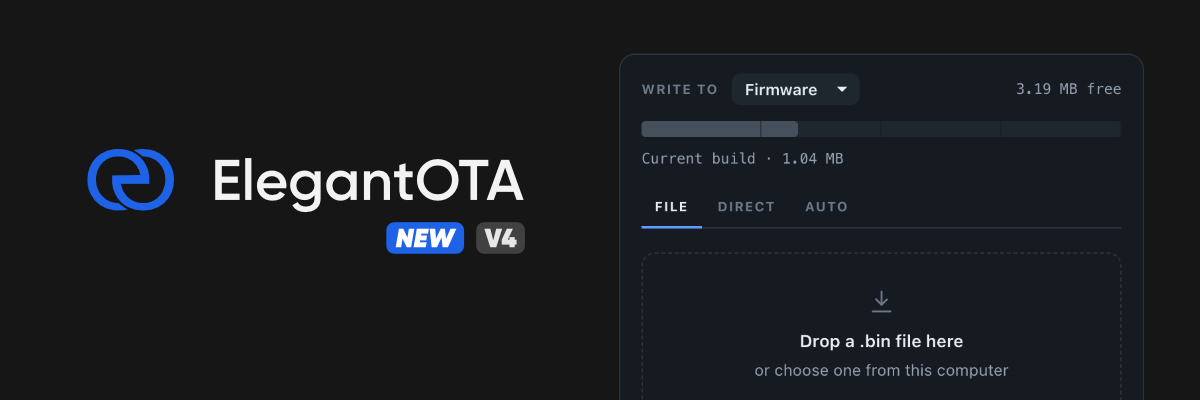




The original over-the-air update library for wireless microcontrollers (since 2019).
ElegantOTA gives your microcontroller a polished web portal for over-the-air firmware and filesystem updates. Point a browser at /update, drop in a .bin, and watch it land - with live progress, transfer rate, and a capacity check that catches an oversized image before a single byte is written.
No HTML, no CSS, no JavaScript. Three lines of code.

- 🔥 Quick & simple OTA procedure - firmware and filesystem images
- 📊 Live progress, transfer rate, and byte counts as the flash is written
- 🛟 Capacity check up front, so an oversized build is rejected before it half-writes
- 🔒 MD5 integrity verification and optional HTTP Basic auth
- 🌗 Light & dark portal themes, keyboard reachable, readable down to 320px
- 🎷 No need to learn HTML/CSS/JS
- 🛫 Ready to use within 3 lines of code
| Platform | Notes |
|---|---|
| ESP32 | Including S2, S3, C3 and C6 variants |
| RP2040 (+WiFi) | e.g. Raspberry Pi Pico W - requires a LittleFS partition |
| RP2350 (+WiFi) | e.g. Raspberry Pi Pico 2 W - requires a LittleFS partition |
| ESP8266 | Legacy - maintained, but new projects should prefer ESP32 or RP2350 |
Important
RP2040 / RP2350 users: these boards stage the incoming image inside the filesystem region, so a LittleFS partition is mandatory. In the Arduino IDE, pick Tools > Flash Size > 2MB (Sketch 1MB, FS 1MB) or similar. A bare RP2040/RP2350 without a WiFi chip cannot run ElegantOTA.
Sketch > Include Library > Manage Libraries… → search for ElegantOTA → Install.
lib_deps =
  ayushsharma82/ElegantOTA@^4.0.0

; ElegantOTA supports several architectures, and PlatformIO will otherwise try
; to resolve dependencies for all of them. Without this you will hit build errors.
lib_compat_mode = strict
If you already have a .pio/libdeps folder, delete it before rebuilding.
The whole integration is three lines - an include, a begin(), and a loop():
#include <WiFi.h>
#include <WebServer.h>
#include <ElegantOTA.h>          // 1

WebServer server(80);

void setup() {
  WiFi.mode(WIFI_STA);
  WiFi.begin("ssid", "password");
  while (WiFi.status() != WL_CONNECTED) delay(500);

  server.on("/", []() {
    server.send(200, "text/plain", "Hi! This is ElegantOTA Demo.");
  });

  ElegantOTA.begin(&server);     // 2
  server.begin();
}

void loop() {
  server.handleClient();
  ElegantOTA.loop();             // 3
}
Open http://<device-ip>/update in a browser and you have the portal.
Full sketches live in examples/ - Demo for the synchronous webserver, AsyncDemo for ESPAsyncWebServer.
ElegantOTA can serve its routes through ESPAsyncWebServer instead of the built-in synchronous server. Enable it with a build flag:
build_flags = -D ELEGANTOTA_USE_ASYNC_WEBSERVER=1The Arduino IDE has no way to set build flags, so there you edit ELEGANTOTA_USE_ASYNC_WEBSERVER in src/ElegantOTA.h directly. You cannot run the synchronous WebServer and ESPAsyncWebServer in the same firmware - pick one. See the async mode guide for the per-platform TCP dependencies.
Installation, integration, security and feature guides: docs.elegantota.pro
ElegantOTA Lite covers a solid project end to end. ElegantOTA Pro adds the pieces a shipped product tends to need:
- Two extra OTA modes - Direct Download (the device fetches firmware from a URL itself) and Auto Update (update channels)
- Toggle OTA modes at runtime
- Hardware ID & firmware version on the UI
- Whitelabel / branding
- Commercial license
It is also a fantastic way to support the time that goes into building and maintaining the library.
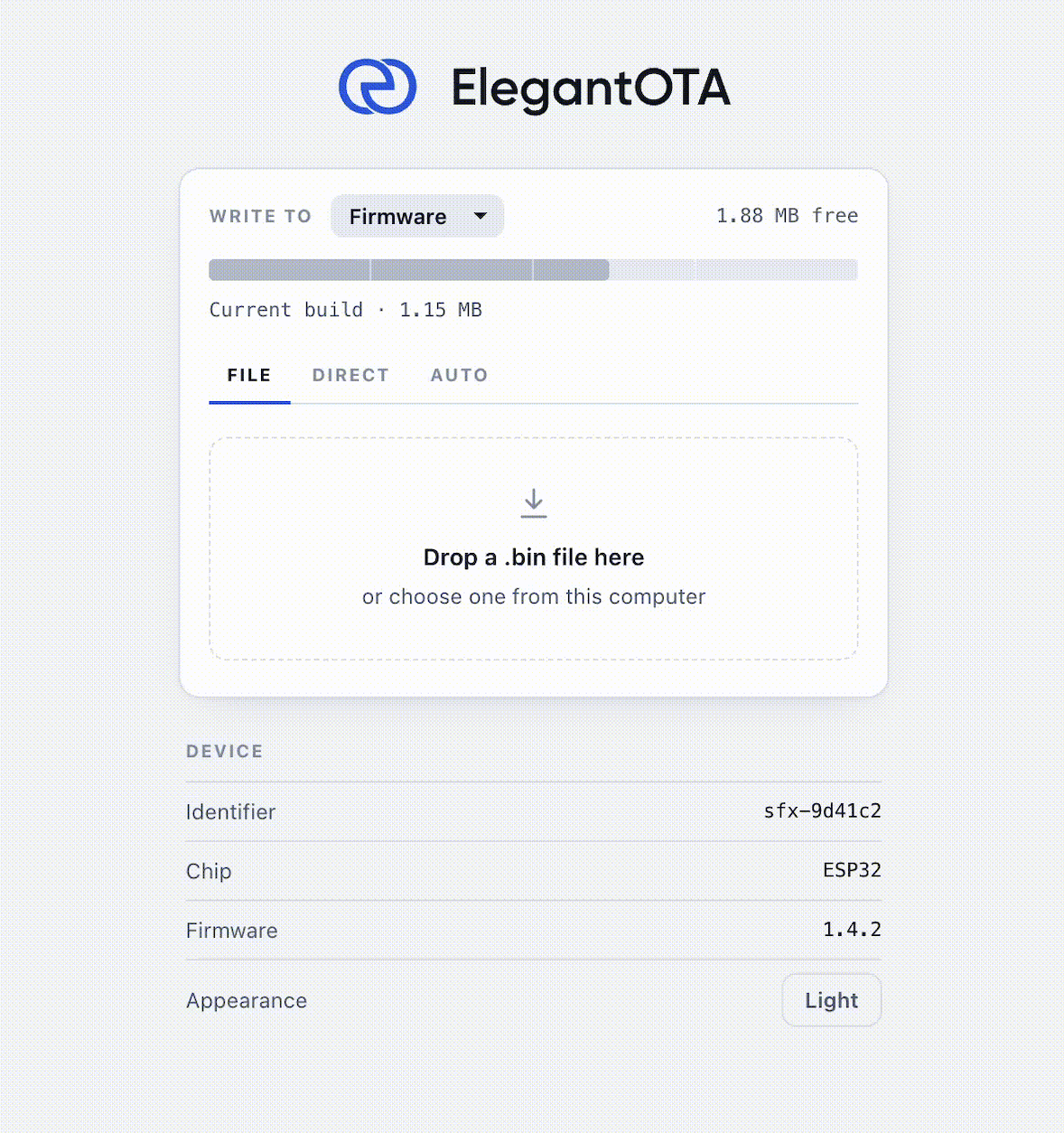
Available at the official store (store.softt.io).
Every contribution is highly appreciated. Spotted a bug? Open an issue or a pull request so it can be fixed for everyone.
Feature requests: open an issue and I'll look at adding it in a future release.
Contributors are asked to sign the CLA, and participation is governed by the Code of Conduct.
ElegantOTA open-source edition is licensed under the GNU Affero General Public License v3.0 (AGPL-3.0).
If you are planning to use ElegantOTA in a commercial project, please consider purchasing ElegantOTA Pro, which comes with the less restrictive SOFTT Commercial License 1.3.