
A cross‑platform desktop app that fixes Google Photos Takeout exports. It merges JSON metadata back into your media, restores file timestamps, writes EXIF where possible, and de-duplicates split archives (Takeout, Takeout 2, …) into one clean output tree.
Read the story and deep dive: https://szymonkocur.com/posts/google-photos-takeout-mess/
Google Photos Takeout ships your library split across multiple folders and scatters the important bits (taken date, creation date, GPS) into separate JSON files. Copied files often show “today” as Created/Modified date, which breaks sorting in file managers and other apps. This tool puts the metadata back where it belongs and produces a usable export you can move anywhere.
- Merge JSON → media automatically
- JPEG/TIFF: write EXIF (DateTimeOriginal, DateTimeDigitized, optional GPS) + correct filesystem timestamps
- HEIC/PNG/MP4 (and other non‑EXIF formats): preserve filesystem Created/Modified dates using JSON (so sorting works), source remains unchanged
- Index multiple Takeout roots at once (no need to manually merge “Takeout N” before running)
- Preserve album structure and the “Photos from …” hierarchy in a single, canonical output tree
- Allow duplicates when photos appear in multiple albums (reported in the summary)
- Source is immutable — nothing inside the Takeout folders is modified
- JDK 17+
- macOS / Windows / Linux
Using the Gradle wrapper shipped with the repo:
# Run the desktop app
./gradlew :app:run

# Build a fat JAR (runs on a machine with JDK 17+) for your OS
./gradlew :app:packageUberJarForCurrentOS
Compose Desktop native packages (DMG/MSI/DEB) are configured in the build; if you want installers, run:
./gradlew :app:packageArtifacts will appear under app/build/compose/binaries/.
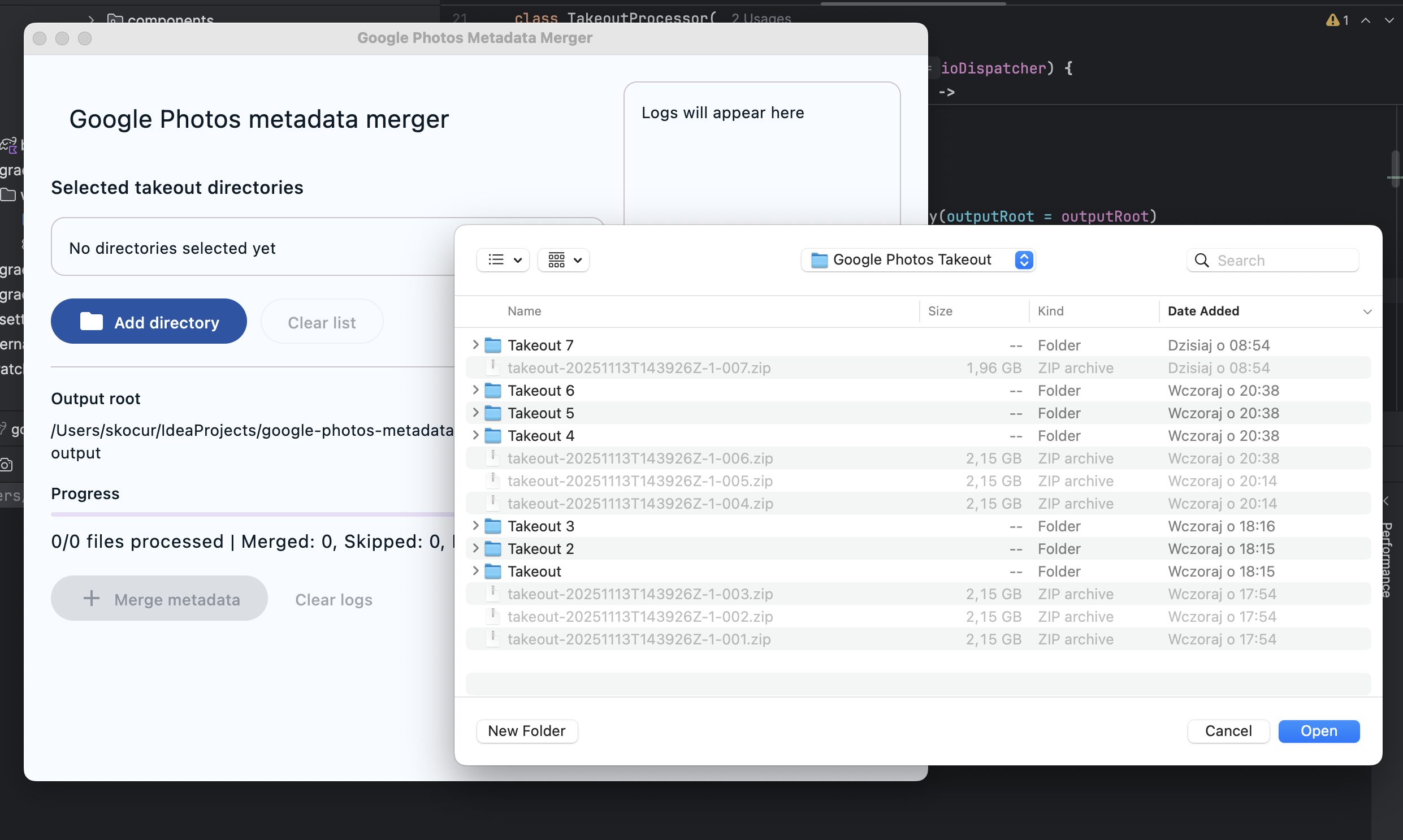
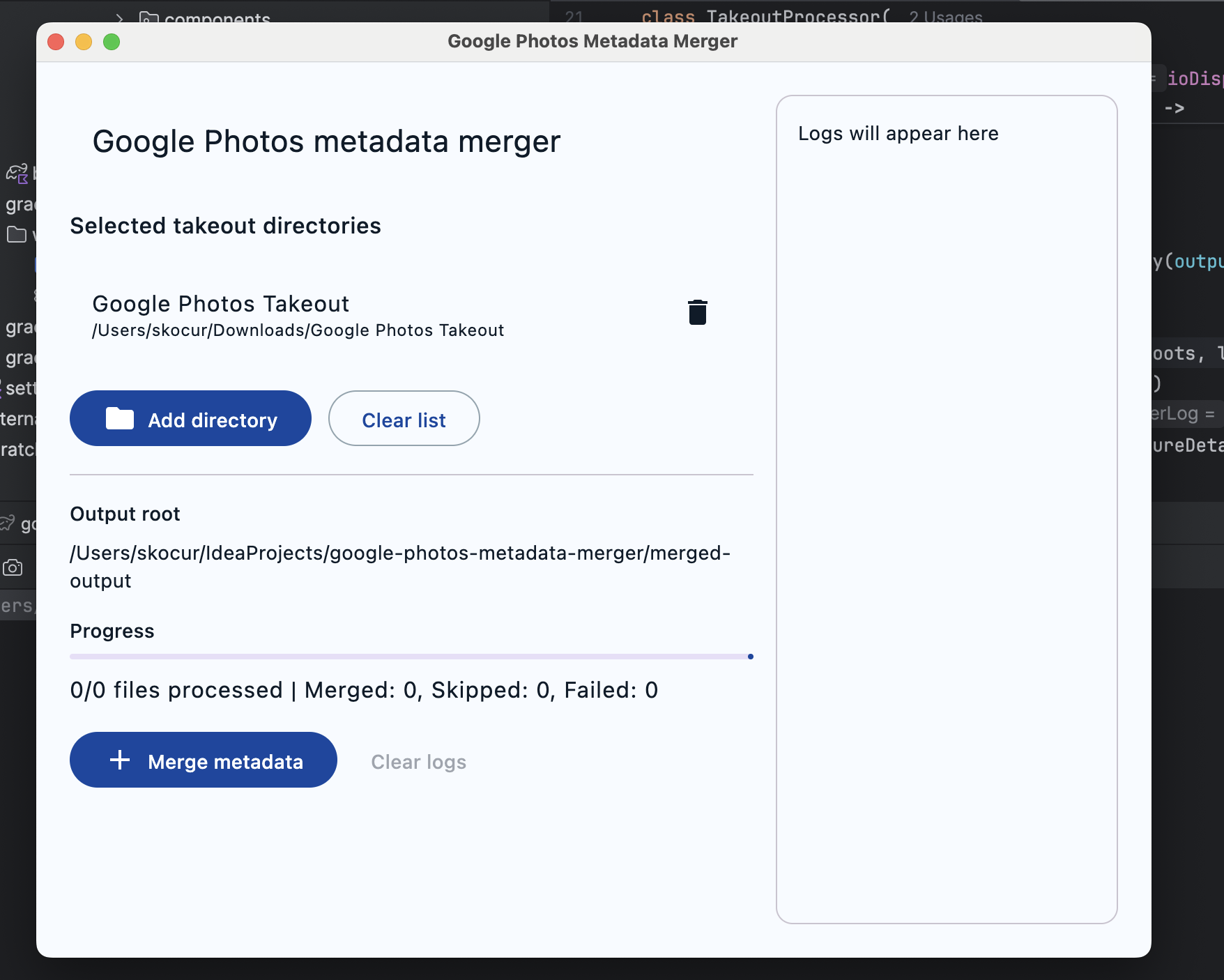
- Launch the app and select one or more Google Photos Takeout folders (you can add all “Takeout”, “Takeout 2”, … in one go).
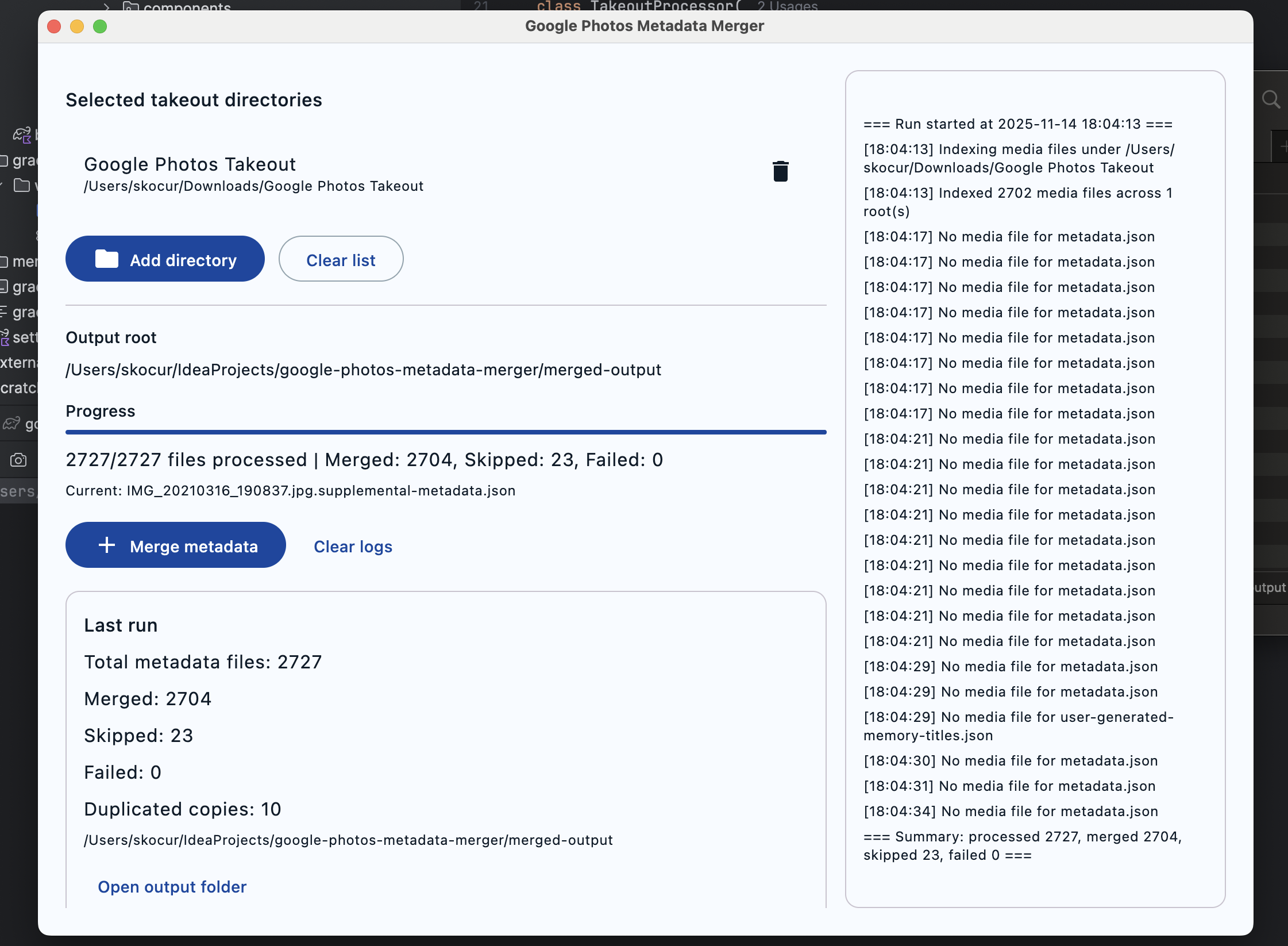
- Click “Merge metadata”.
- Output goes to
merged-output/Google Photos Takeout/...next to the app (or your working directory). - Read the summary for processed/unchanged/failed counts, plus duplicate copies created for albums.
- Output path is derived from the JSON’s folder structure but the
Takeout Nprefix is normalized away, so you end up with a single canonical “Google Photos Takeout” tree. - The app never writes inside your source Takeout directories.
- JPEG / JPG / TIFF / TIF
- Writes EXIF: DateTimeOriginal, DateTimeDigitized; Root DateTime; optional GPS (lat/lng/alt)
- Reapplies timestamps after lossless EXIF rewrite so Created/Modified match the JSON
- HEIC / PNG / MP4 (and other non‑EXIF formats)
- Copies with attributes and applies filesystem timestamps from JSON (fallback to source file timestamp if JSON is missing times)
- EXIF embedding isn’t attempted (Apache Commons Imaging doesn’t support these). If you need embedded metadata inside those formats, consider a post‑step with ExifTool.
- Builds an in‑memory catalog of all non‑JSON files across all selected roots
- For each JSON:
- Normalizes quirks (e.g.,
titleas array) - Resolves media globally (even if JSON and media live in different “Takeout N” folders)
- Copies the media into the normalized output location and applies metadata
- Normalizes quirks (e.g.,
- Duplicates (same asset referenced by multiple JSONs) are allowed and counted; identical destination paths overwrite and increment the duplicate counter
- HEIC/MP4: we set filesystem timestamps correctly but do not embed EXIF/XMP. Use ExifTool in a post‑step if you need embedded metadata for those formats.
- GPS with zeros (0/0) is ignored by design.
- Extremely large exports: the app catalogs file names and relative paths in memory, not file contents, to remain memory‑efficient; still, consider running per‑year chunks if your export is huge.
- Read‑only on source directories; all writes go to
merged-output - Idempotent: re‑runs will not harm previously merged output (but will overwrite identical destination paths by design)
- Kotlin 2.1, Compose Desktop, Coroutines
- Apache Commons Imaging for EXIF (JPEG/TIFF)
- JDK 17 toolchain (see
app/build.gradle.kts)
MIT — see LICENSE.