Style
Swap the background
Image, color or gradient behind your recording — no re-shoot.
NEW1.11 exports faster on macOS and Linux
Screen recording with native capture, local AI and no paywall.
Scroll down
Style
Image, color or gradient behind your recording — no re-shoot.
Effects
Padding, motion blur, shadow, roundness — every effect composites live.
Cursor
Size, smoothing, motion blur, click bounce — every move reads on screen.
Timeline
Zooms, speed ramps, trims, comments — each edit lands as a pill on the timeline.
Transcript
Delete a word or a silence; the cut lands on the timeline. Nothing destructive.
Out of the box
Every new recording opens already zoomed on your clicks, on a wallpaper, with padding, a shadow and rounded corners. Change any of it, or export it as it is.
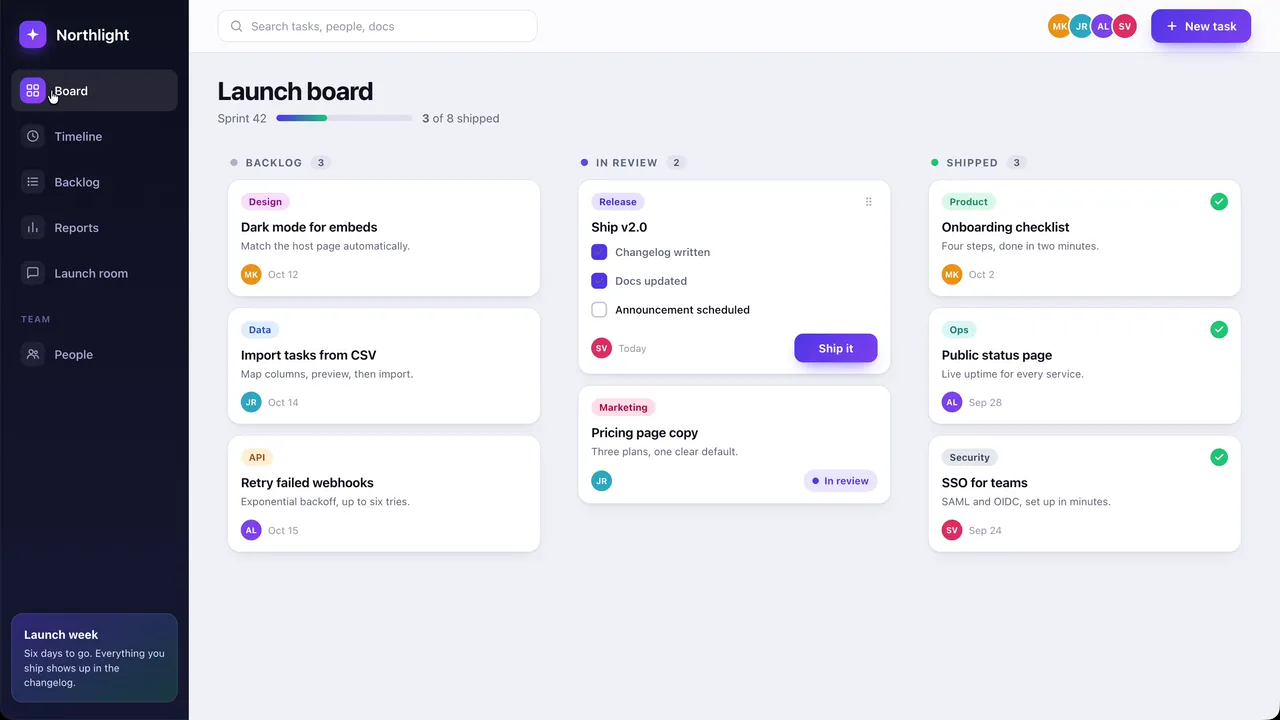
3D
Turn the screen or orbit the screen as you zoom, draw the pointer as a 3D cursor with a shadow, and put the whole take in a device, over a background that moves.
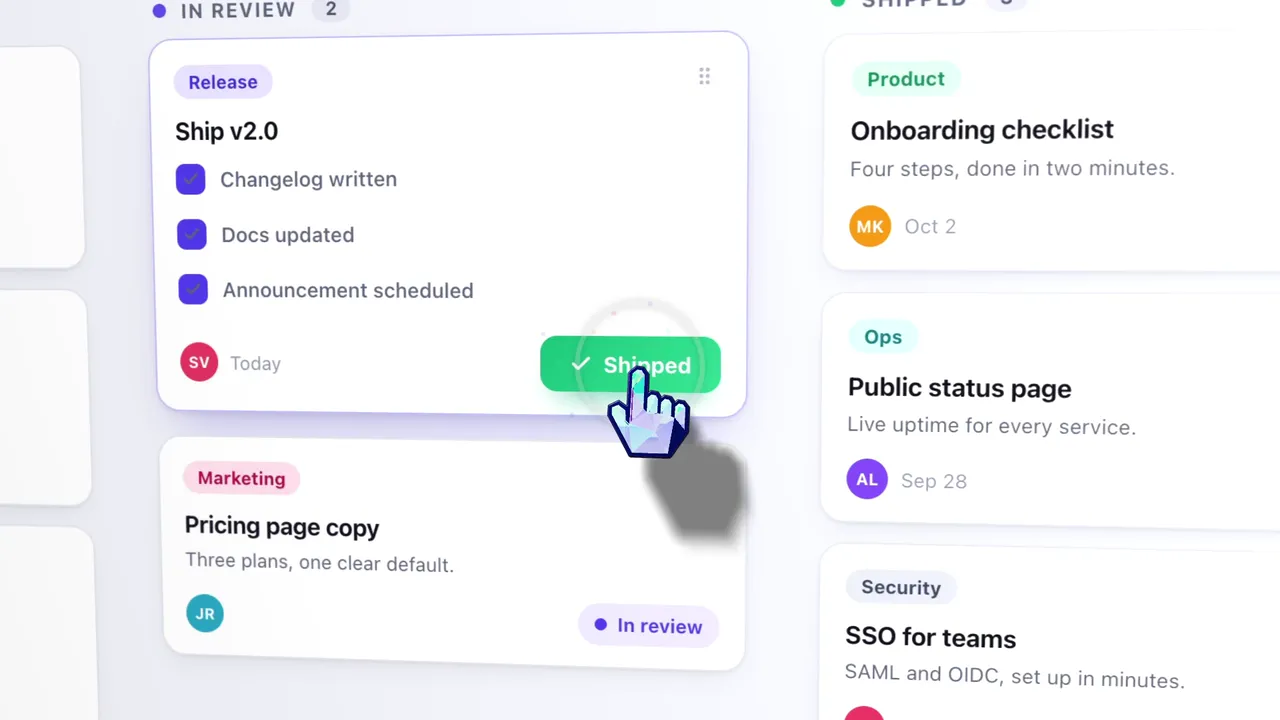
Camera
One take with a webcam can be picture in picture, side by side, stacked or full screen, and the room behind you can be blurred, cut out or replaced on your own computer, with no green screen.
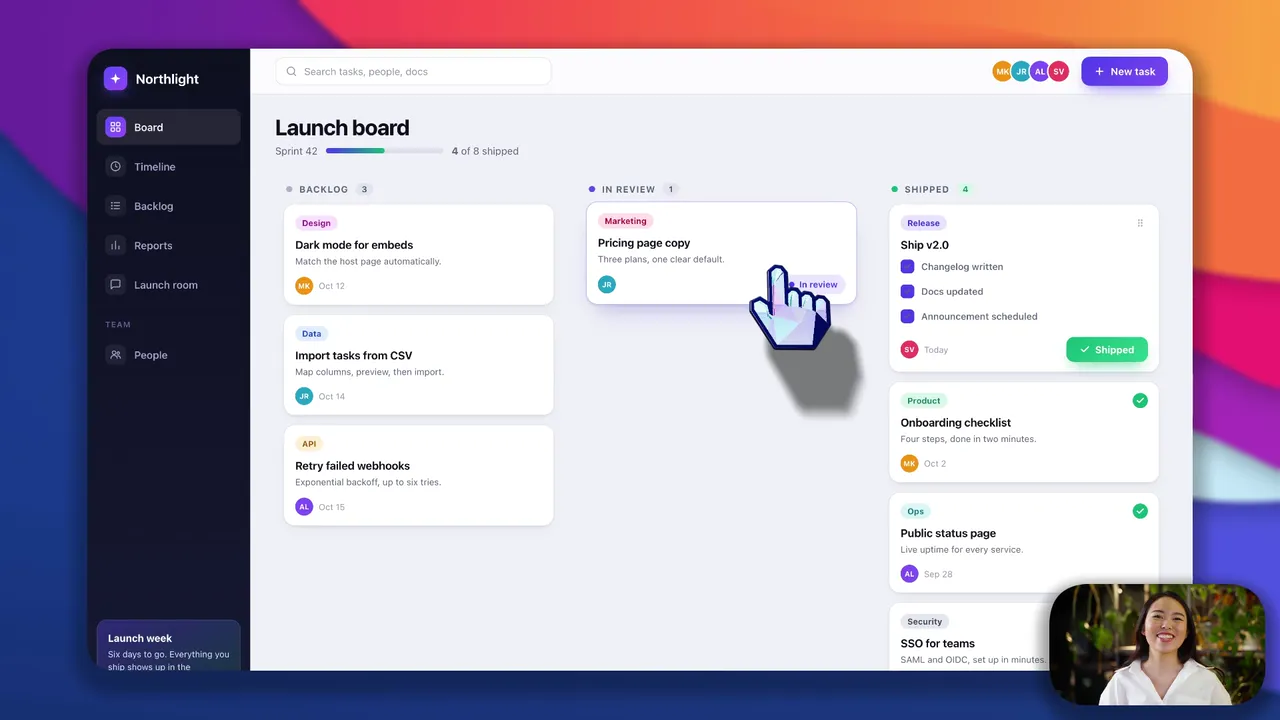
Before it ships
One take becomes wide, square or vertical, and whatever should not be seen stays under a blur.
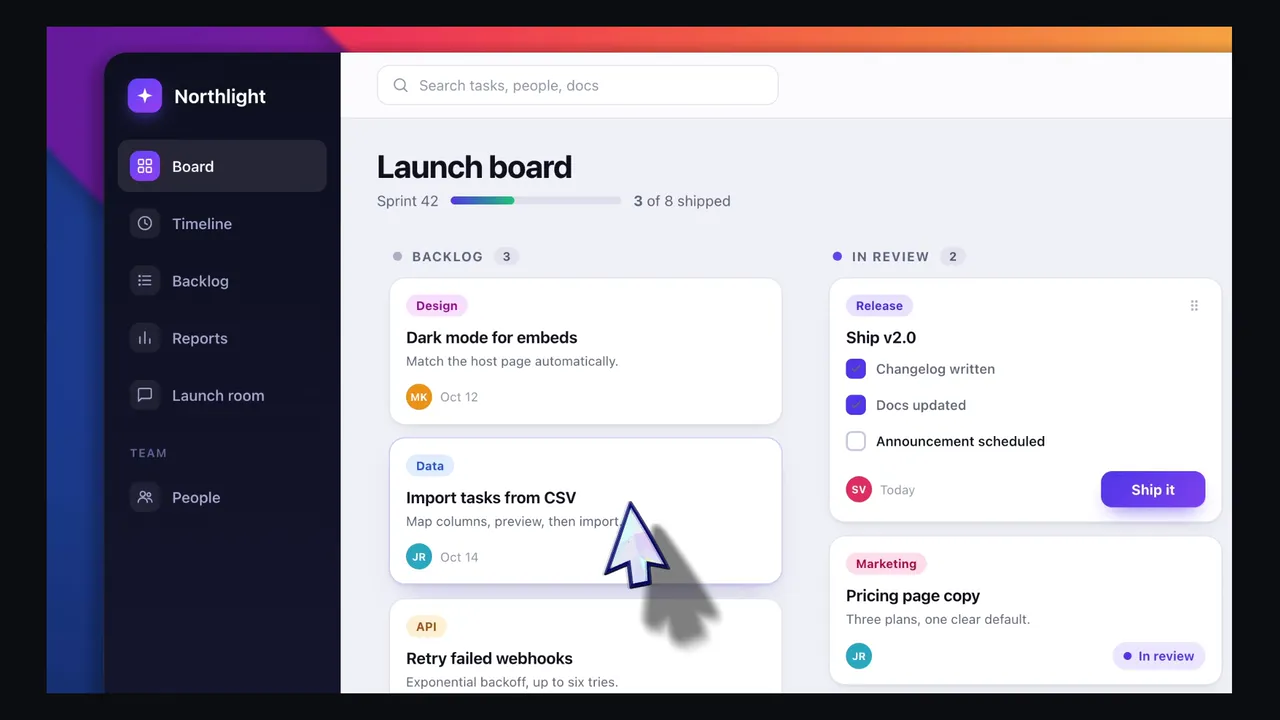
Any aspect ratio. The same take, framed for 16:9, 9:16, 1:1, 4:3, 4:5, 16:10 or 10:16.
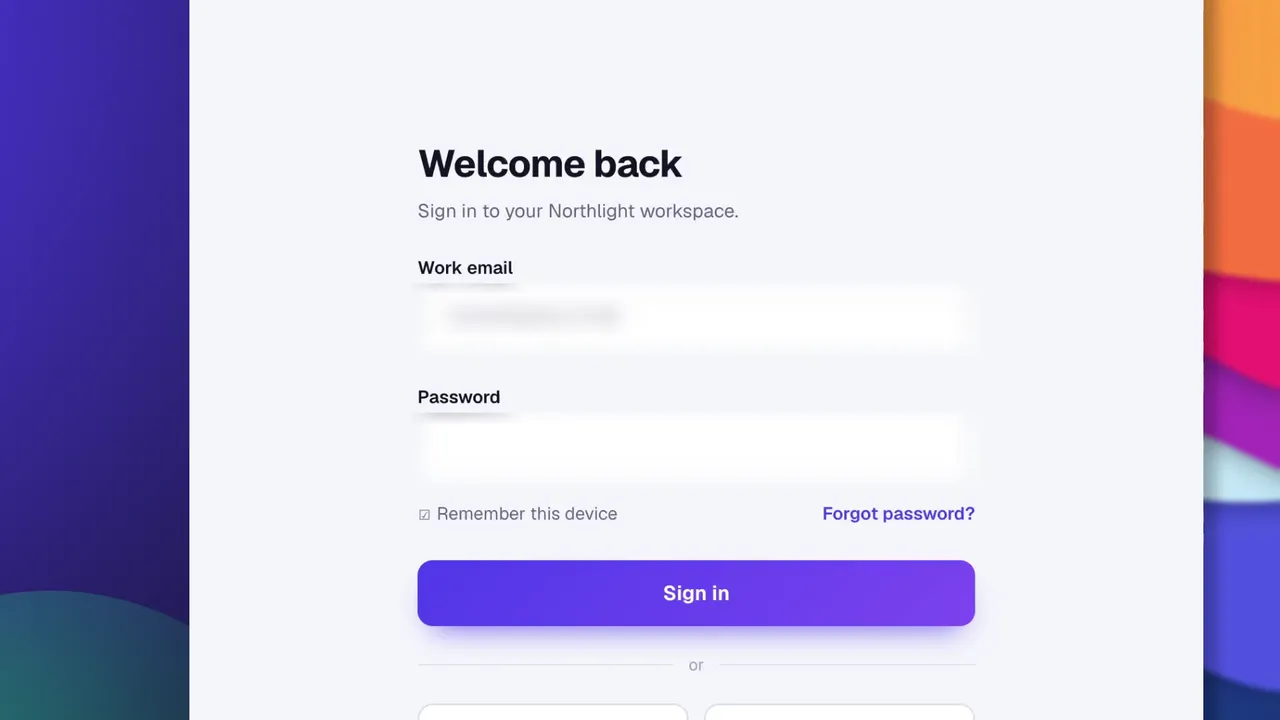
Blur regions. Smooth or mosaic, as a rectangle, an oval or a freehand shape, over an email, a key or a password.
record
Pick a window or a display. macOS goes through ScreenCaptureKit, Windows through Windows Graphics Capture, Linux through PipeWire and the ScreenCast portal — on each, the capture path the system itself provides. The pointer is recorded as data rather than burned into the pixels, which is the only reason you could restyle it further up this page.
ScreenCaptureKit · Windows Graphics Capture · PipeWire · system audio without an extra driver

export
MP4 from 720p up to source, at 24, 30 or 60, in H.264 — or a GIF. The encode runs on your machine and counts frames while it does. No queue, no account, no watermark, and the file is on disk when the bar fills.
H.264 · 24, 30, 60 fps · no watermark
captions
whisper.cpp ships with the app, and the model downloads once on first use — after that it works with the network off. The audio never leaves the laptop, and what comes back is editable text: set the typeface, the size, the color and the position, then burn it into the render.
Captions and transcript docs · How local captions compare
whisper.cpp · 100 languages · offline after first run
agent
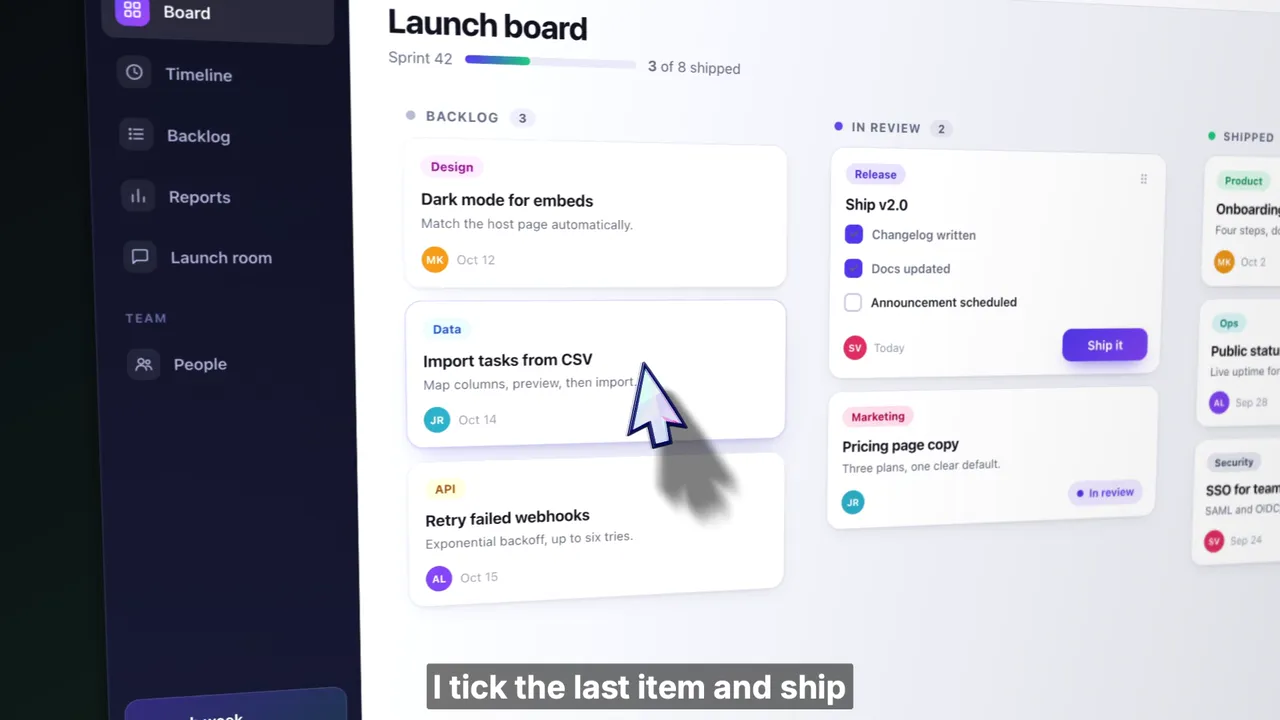
The wizard further up this page places zooms by watching where your cursor went. The agent goes further: it reads the actual transcript and the actual timeline, so it answers with timecodes you can go and check — which spans it will cut, and how much that saves. Every edit it makes is an ordinary undoable one, and it needs a provider key you supply. Nothing runs until you connect one.
AI editing docs · How automatic zooms work
bring your own key · off by default · every edit is undoable
OpenScreen is a free, open-source screen recorder and video editor for Windows, macOS, and Linux: a raw capture goes in and a finished demo comes out, in the category Screen Studio defined. It is MIT licensed, with no watermark and no account, and it continues the original OpenScreen project, which its creator archived after v1.5.0.
No paywalls, no premium tier, no usage caps. Every feature ships free for personal and commercial use.
Recording, transcription and rendering all happen on your machine, and your video never leaves it. Text leaves only when you ask: the chat panel and caption translation, each with a key you supply. Transcription downloads its 264 MB Whisper model once, on first run.
One source tree, native capture on each. A Microsoft Store listing, a .dmg, an .exe, a .deb, a .rpm, a .pacman, an AppImage and a Nix flake.
Interface in 15 languages: English, عربي, Čeština, Deutsch, Español, Français, Italiano, 日本語, 한국어, Русский, Türkçe, Tiếng Việt, Português Brasileiro, 简体中文, 繁體中文
Drag OpenScreen to Applications.
Signed and notarized. ScreenCaptureKit capture; cursor shape and clicks once Accessibility is granted.
winget install --source msstore OpenScreen
Windows Graphics Capture, system audio out of the box, Media Foundation webcam capture.
sudo apt install ./Openscreen-Linux-*.deb
PipeWire capture through the ScreenCast portal; needs PipeWire and xdg-desktop-portal.
Windows also has an .exe installer. It is not code-signed, so SmartScreen warns before it runs: choose More info, then Run anyway. Linux also ships .rpm, .pacman, an AppImage, and a Nix flake. Every artifact is on the Releases page, and Installation has the full steps. What each system records is covered on the Windows, Mac and Linux pages.


