


 (Credit: Zain bin Awais/PCMag;Jordi Salas/via Getty Images)
To an online scammer, a public social media feed is a well-stocked supermarket of personal data. Criminals can pick through intimate details of your life and then load up their carts with sensitive information about you, no matter how trivial. Scammers then use that information to impersonate you for financial gain, send you messages containing phishing links, or hit you with romance scams. Read on to find out who's a target and how to lock down your social media accounts.

4 Questions to Ask Before Posting on Social Media
Perhaps a public social media profile is helpful for your career, as it is for mine. Maybe you're looking to make new friends or learn about a new hobby. You can create public posts about those things without sacrificing a lot of personal data. Avoid sharing information and media about your daily routine, family, medical details, and other private matters.
But what if you're struggling and just want to vent? Before you post a love life lament or voice your workplace grievances using a public social media account, I recommend asking yourself the following questions:
1. Who Needs to Know This?
Identify your desired target audience before you hit "send." If you are posting just for yourself, it's wise to conduct an internal check before posting a private thought, photo, or other media in a public forum.
2. Do I Want Strangers to See This?
You may think you're screaming into a void, but social platforms are not a black hole for thoughts and ideas. A lack of engagement in the form of likes or shares on your posts doesn't mean other people aren't seeing them. Not only are your fellow humans viewing what you post online, but they also may be forming an image of you that you don't intend to project. There's also the worry that criminals may scan your posts for information about your life so they can conduct social engineering schemes to bilk you out of your hard-earned money.
3. Do I Want This to Follow Me Forever?
It's easy to assume your posts will get lost in the social media algorithm's churn, but that doesn't mean you can't be seen or heard much later on. To save your current self from your past posting decisions, PCMag has a guide to deleting your old Facebook posts. Remember, if you write words, broadcast media, or post photos online, assume that all of this content could remain accessible for a long time.
4. What Do I Want to Happen After I Post This?
Consider what you have to gain from posting personal information or photos of yourself in a public setting, and what you have to lose: anonymity, privacy, and security.
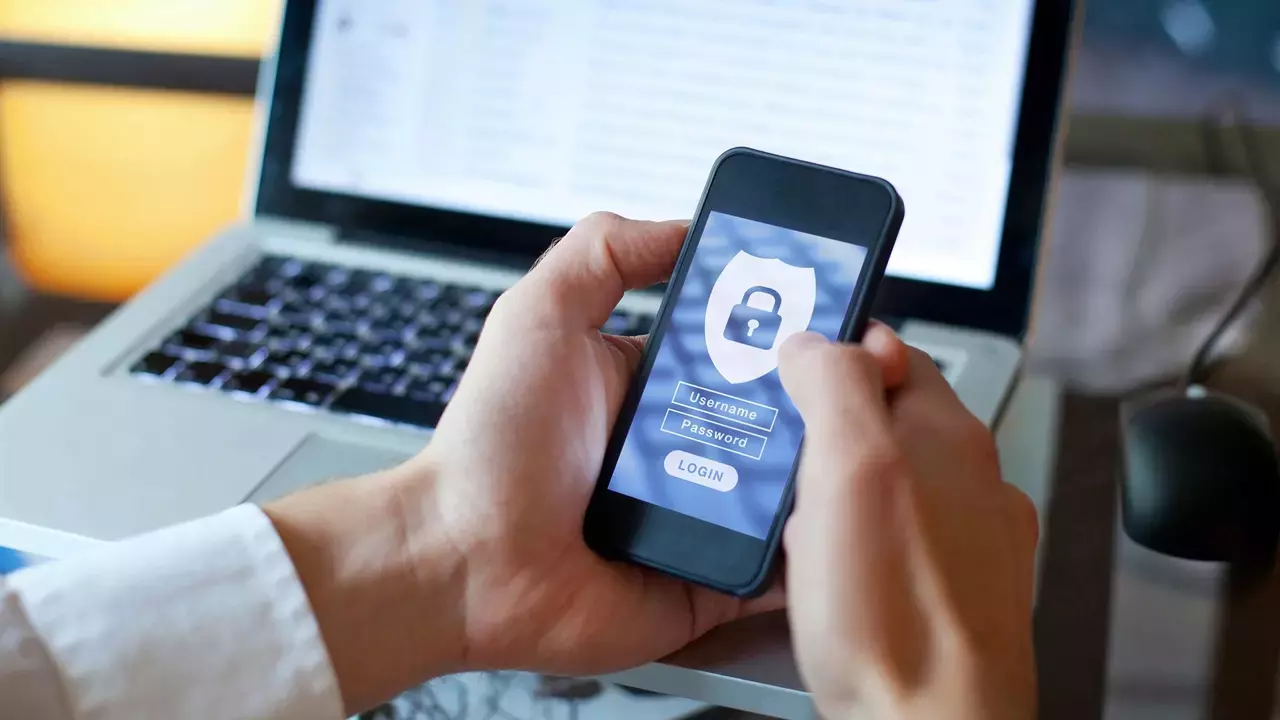

4 Steps to Lock Down Your Social Media Presence
Let's start with a few steps you can take today to reduce your social media footprint. Social platforms all have different locations for their menu settings, so I'm providing general guidelines for privacy protection:
1. Change Your Privacy Settings
Visit the Settings menu within your social media account and review your privacy settings. From there, switch your public profile to a private one. You can also choose who sees specific posts, livestreams, photos, and videos. Some social media platforms, such as TikTok, allow you to limit who can see your engagement with other posts. In another example, Facebook has Privacy Checkup and Off-Facebook Activity tools to help you manage who can see and interact with your posts. You can also prevent Facebook’s apps and games from sharing your data.
2. Use a Password Manager
If you use the same password across multiple social sites, the damage could be severe. If you choose to keep your social media accounts active, create a unique, hard-to-guess password for each one, and keep track of all your passwords and passkeys with a password manager.
The Best Password Managers


3. Enable Multi-Factor Authentication
If a scammer attempts to access your social media accounts, multi-factor authentication with an authenticator app or hardware security key is your last line of defense. Enable this protection by visiting your social media account and clicking on the Security section in the Settings menu. You'll need to enter a code or use an authenticated device each time you log in to that account, but it's worth it to keep your data out of strangers' hands.


4. Delete Unused Accounts
One way to mitigate the risks of maintaining a public online presence is to simply delete your accounts. That way, you can prevent oversharing, as well as a worse fate: a zombie social media account. That's when a scammer hires a hacker to gain access to your underused or abandoned social media accounts. The scammer can then use your photos, videos, and screen names to sell bogus products or to get your friends and family to click on phishing links.
To initiate the account deletion process, consider downloading a copy of your content from the social platform. Afterward, simply delete your account. Most social platforms allow you to reinstate a deleted account within a certain period.

Keep It to the Group Chat (or Yourself!)
If you're prone to oversharing on social media platforms, the good news is that chatting and sharing media with groups of family and friends on secure messaging platforms is a much safer way to communicate. Signal, in particular, offers story and feed features that let you easily interact with all your friends in the app. As a bonus, you'll share your posts with people who will most likely engage with your content.
Another option is to start writing your thoughts in a private diary or journal. I prefer to use a cheap yet sturdy notebook and a pen for journaling, but plenty of digital journaling apps are available as well. I also like to use the Notes app on iOS to dash off quick thoughts and store assorted memes.
Don't compromise your privacy and safety for a few likes and the slim chance of temporary fame. Keep your personal information private. To further reduce your online presence, check out our guide to staying anonymous online.
About Our Expert
I review privacy tools like hardware security keys, password managers, private messaging apps, and ad-blocking software. I also report on online scams and offer advice to families and individuals about staying safe on the internet. Before joining PCMag, I wrote about tech and video games for CNN, Fanbyte, Mashable, The New York Times, and TechRadar. I also worked at CNN International, where I did field producing and reporting on sports that are popular with worldwide audiences.
In addition to the categories below, I exclusively cover ad blockers, authenticator apps, hardware security keys, and private messaging apps.
- Your Password Manager Just Got Hacked. Do These 6 Things Right Now
- 1Password Review: Excellent But Expensive Password Management
- I Know Exactly How to Access the Dark Web. I Still Won't Do It
- Bitwarden Review: A Free, Feature-Packed Password Manager
- How a Fake Amazon Phone Call Cost a Retired Nurse $400K, and What You Can Do to Protect Your Parents
- More from Kim Key


