I Got Tired of “Free Tools” That Upload My Files — So I Built Browser-Only Ones
Most “free online tools” ask you to paste text or upload a photo.
What they don’t always make clear: that content often leaves your device.
For JSON with client data, a JWT, a draft you’re not ready to publish, or a passport-style photo — that’s a bad trade.
So I built KeptTools: a small set of developer and image tools that run in the browser. No account. No “upload to process.”
What “browser-only” means here
When you open a tool page:
The work happens on the page (JavaScript in your browser)
You can format, convert, crop, or decode without creating an account
Closing the tab ends the session — nothing is stored as “your file” on our servers for processing
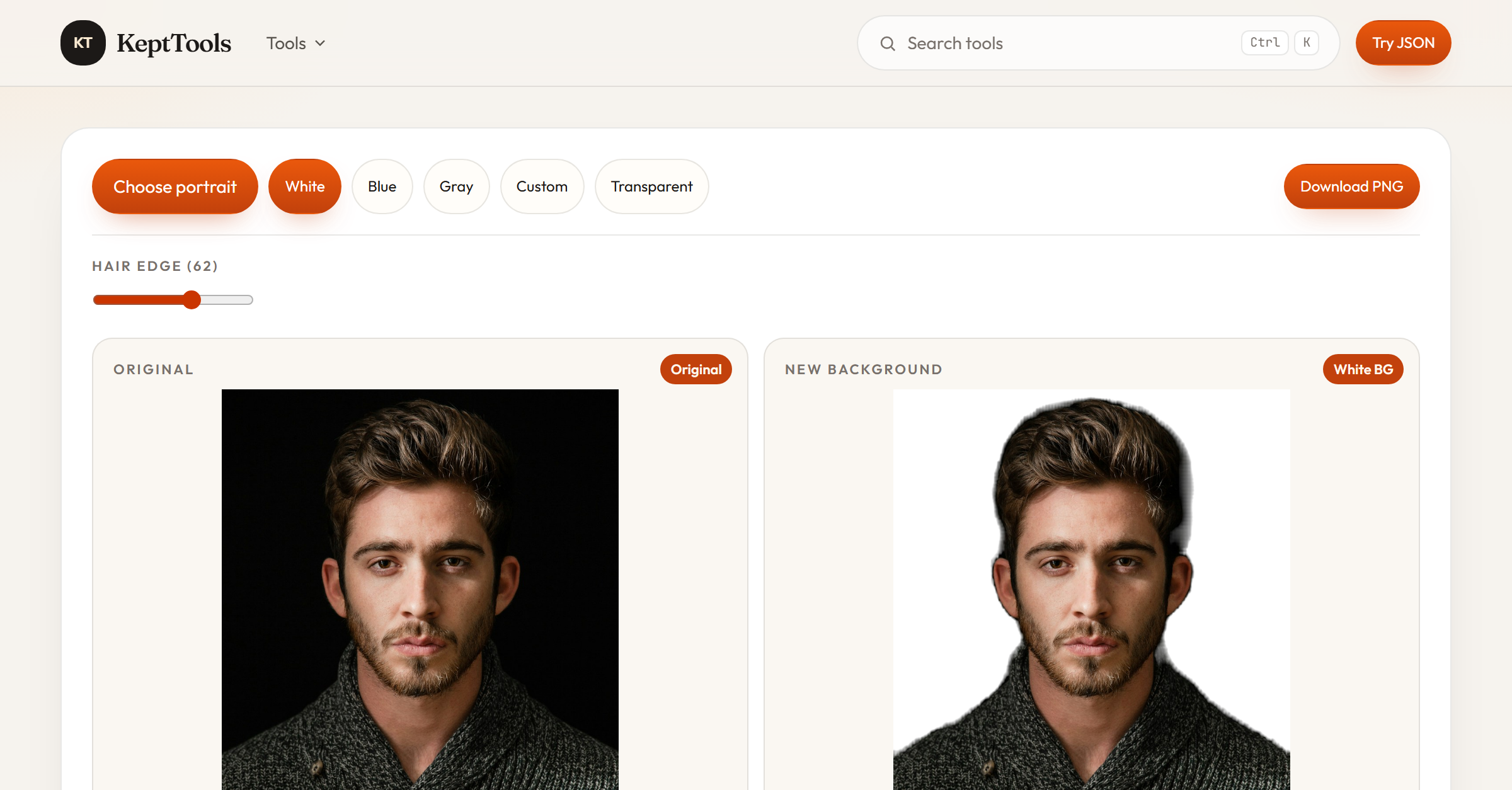
A few tools download a small model the first time (for example, portrait background replacement). That download is the model, not your photo.
What’s live
Developer tools
JSON formatter / validator
JSON converter (CSV, Laravel, TypeScript, PHP, and more)
SQL formatter
JWT decoder
Base64, hash, URL/HTML encode
Regex tester, cron generator, UUID/slug
Image tools
PNG/JPG → WebP
Compress
Crop
Image → SVG
Change background (white / blue / custom / transparent)
Text utilities
Word counter
Case converter (camelCase, snake_case, kebab-case, and more)
Why I care about this
I use these utilities every week. I don’t want a random site keeping a copy of:
a token
a production-ish JSON blob
an ID photo
Privacy shouldn’t be a premium feature for basic tools.
Stack (short)
Laravel + Vite + Tailwind + Alpine. Tools are client-side where it matters.
What I’d love feedback on
Is “browser-only / no upload” a strong enough reason to switch tools?
Which tool would you open first from the homepage?
What’s missing that would make you bounce?
If you try something and it feels unclear, tell me — I’m iterating from real use.
Try it: https://kepttools.com
Comments
Join the discussionNo comments yet. Be the first to comment.