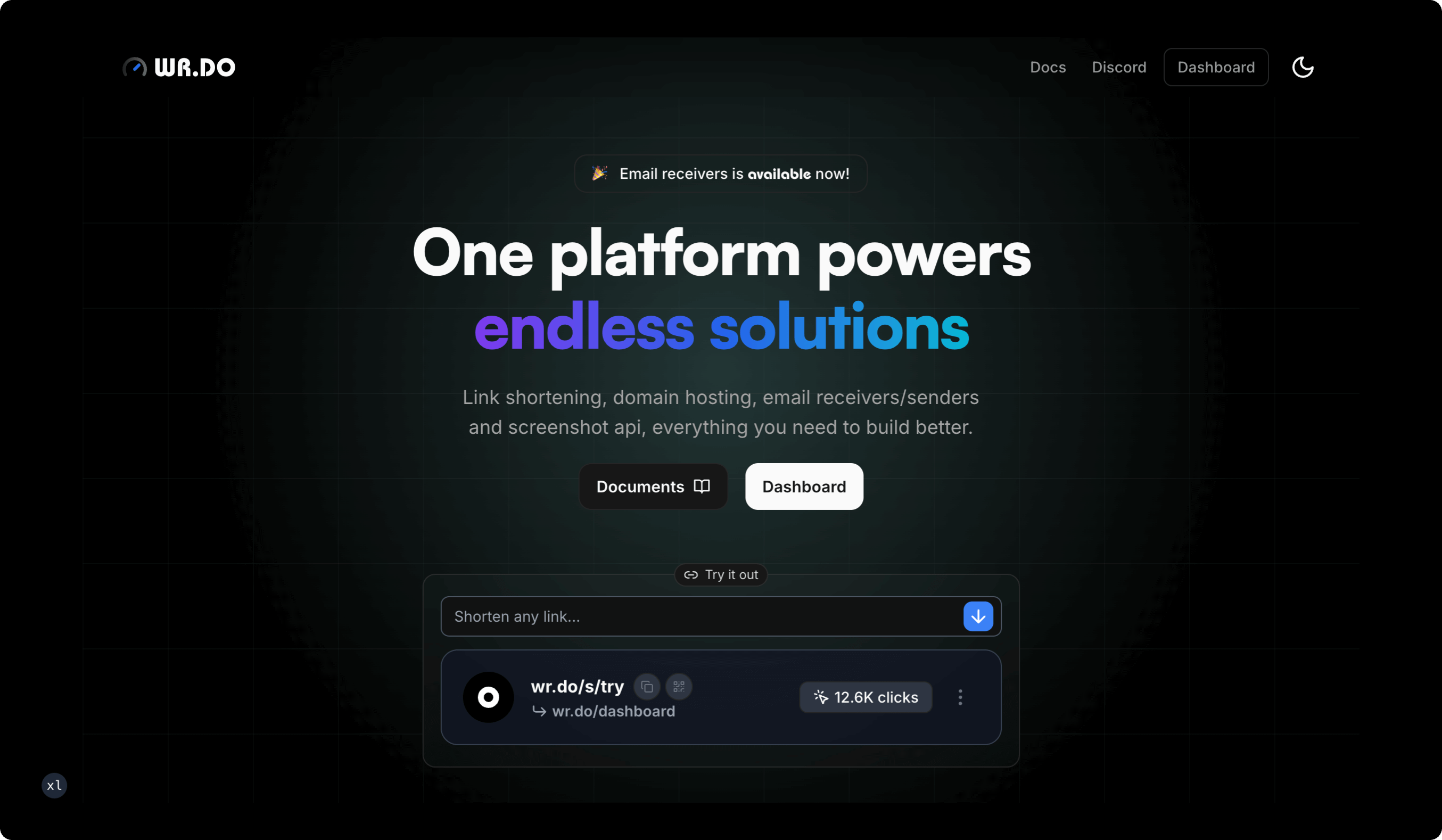
All-in-one domain service platform with integrated short link services, temporary email, subdomain management, file storage, and open API
Official SiteDocs · Feedback · English | 简体中文





 免费体验 Sora AI 视频生成 👉 点击注册
 |
 |
 |
 |
 |
 |
-
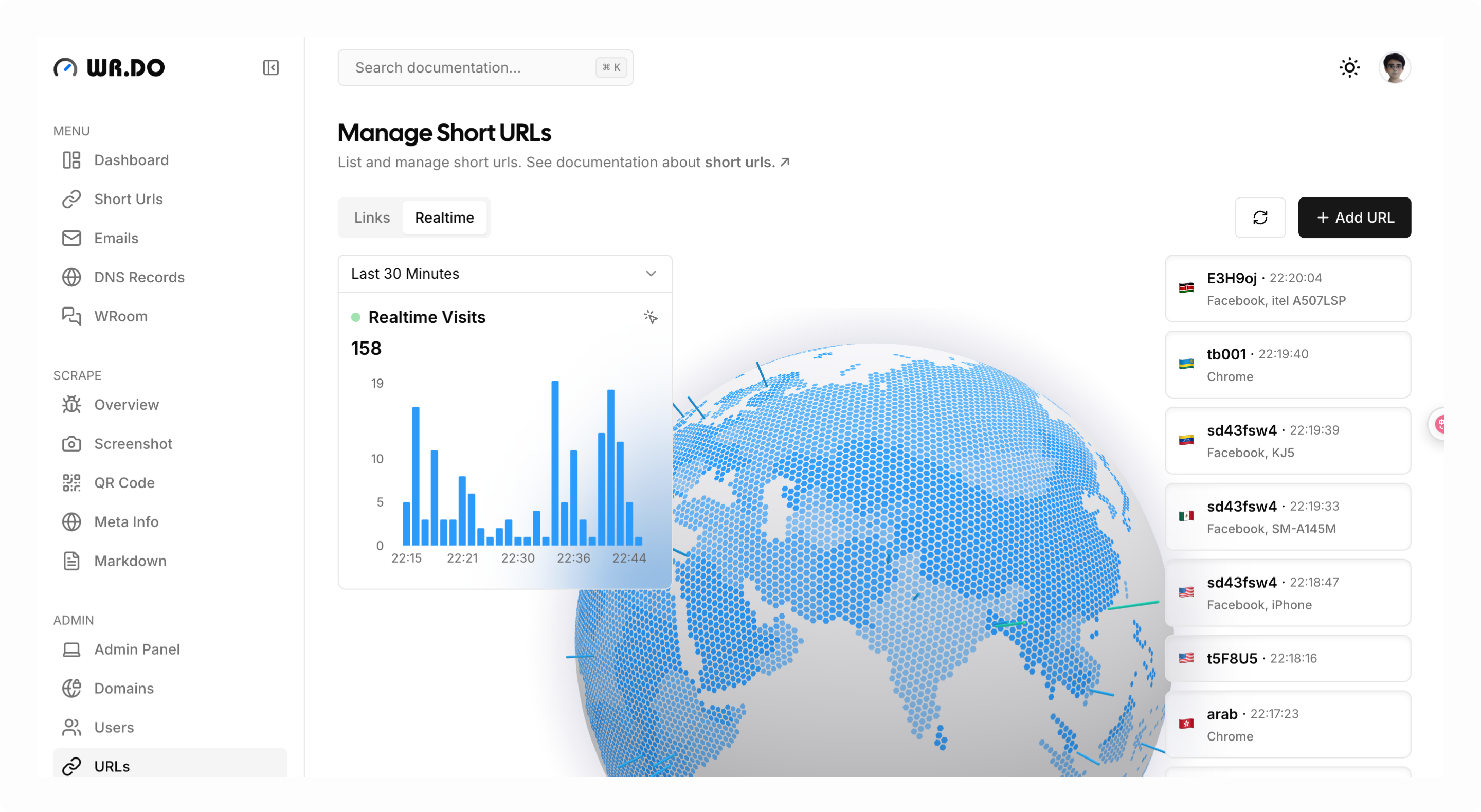
🔗 Short Link Service:
- Custom short links
- Generate custom QR codes
- Password-protected links
- Expiration time control
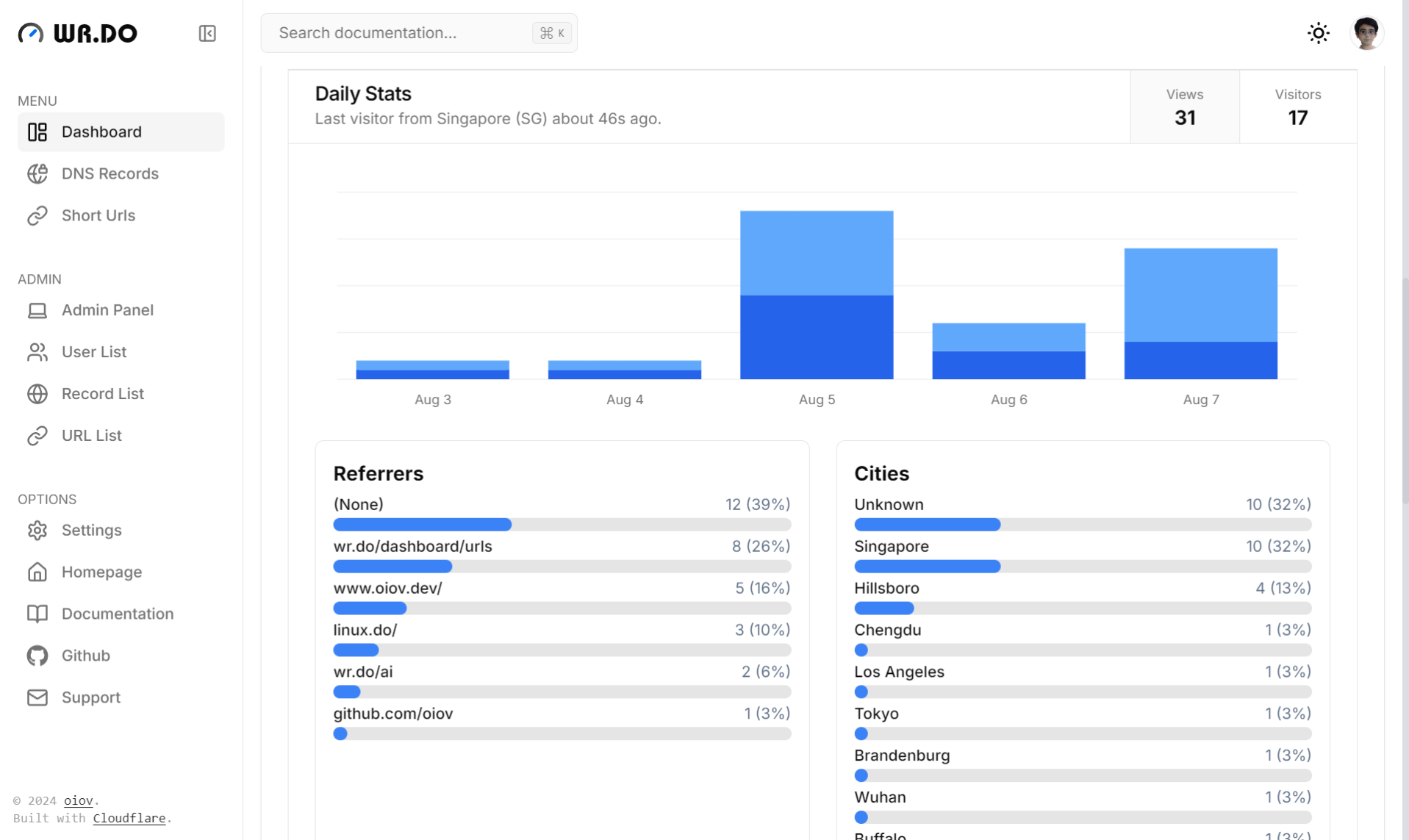
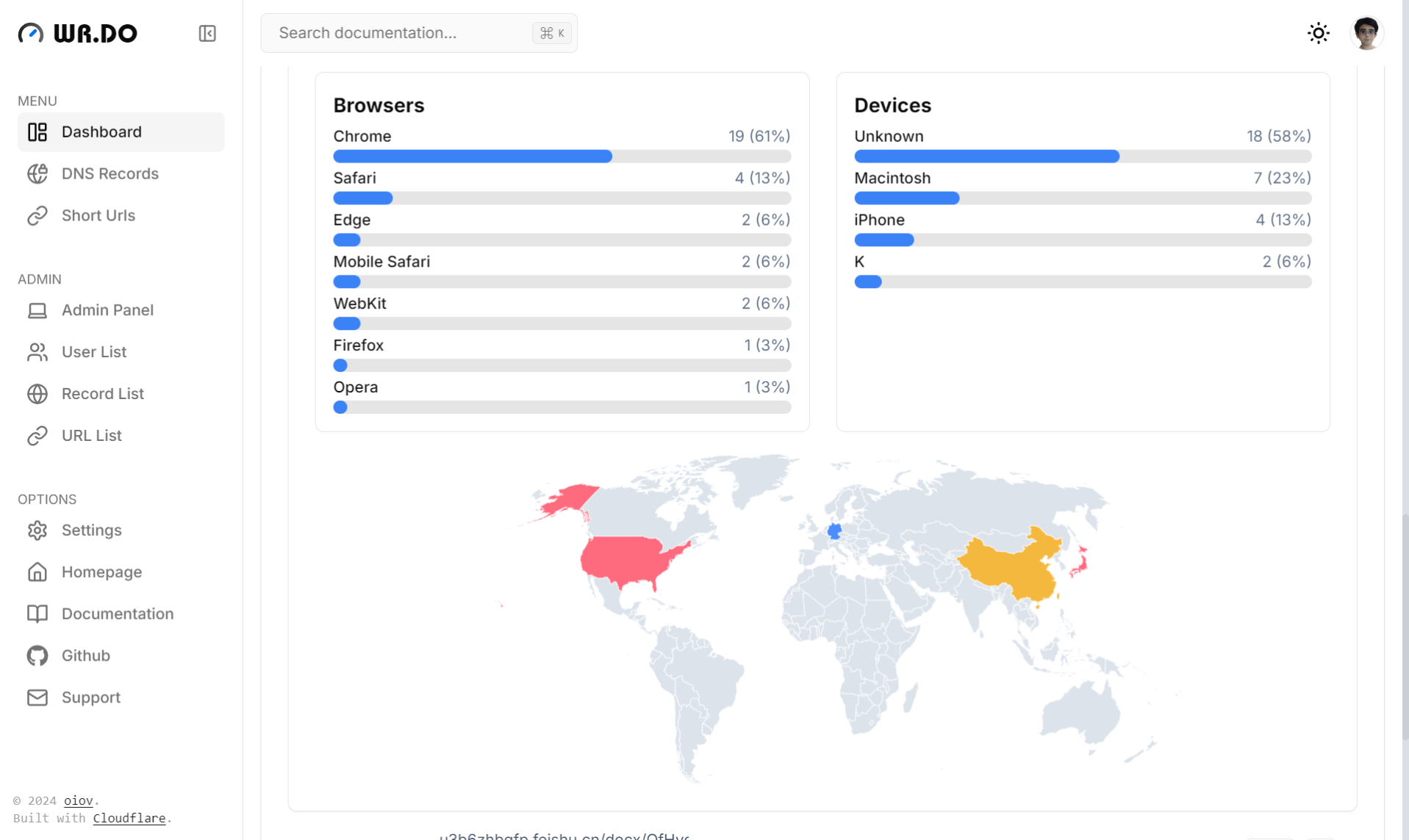
- Access analytics (real-time logs, maps, and multi-dimensional data analysis)
- API integration for link creation
-
📮 Email Service:
- Create custom prefix emails
- Filter unread email lists
- Unlimited mailbox creation
- Receive unlimited emails (powered by Cloudflare Email Worker)
- Send emails (powered by Resend)
- Support catch-all emails
- Support push to telegram groups
- API endpoints for mailbox creation
- API endpoints for inbox retrieval
-
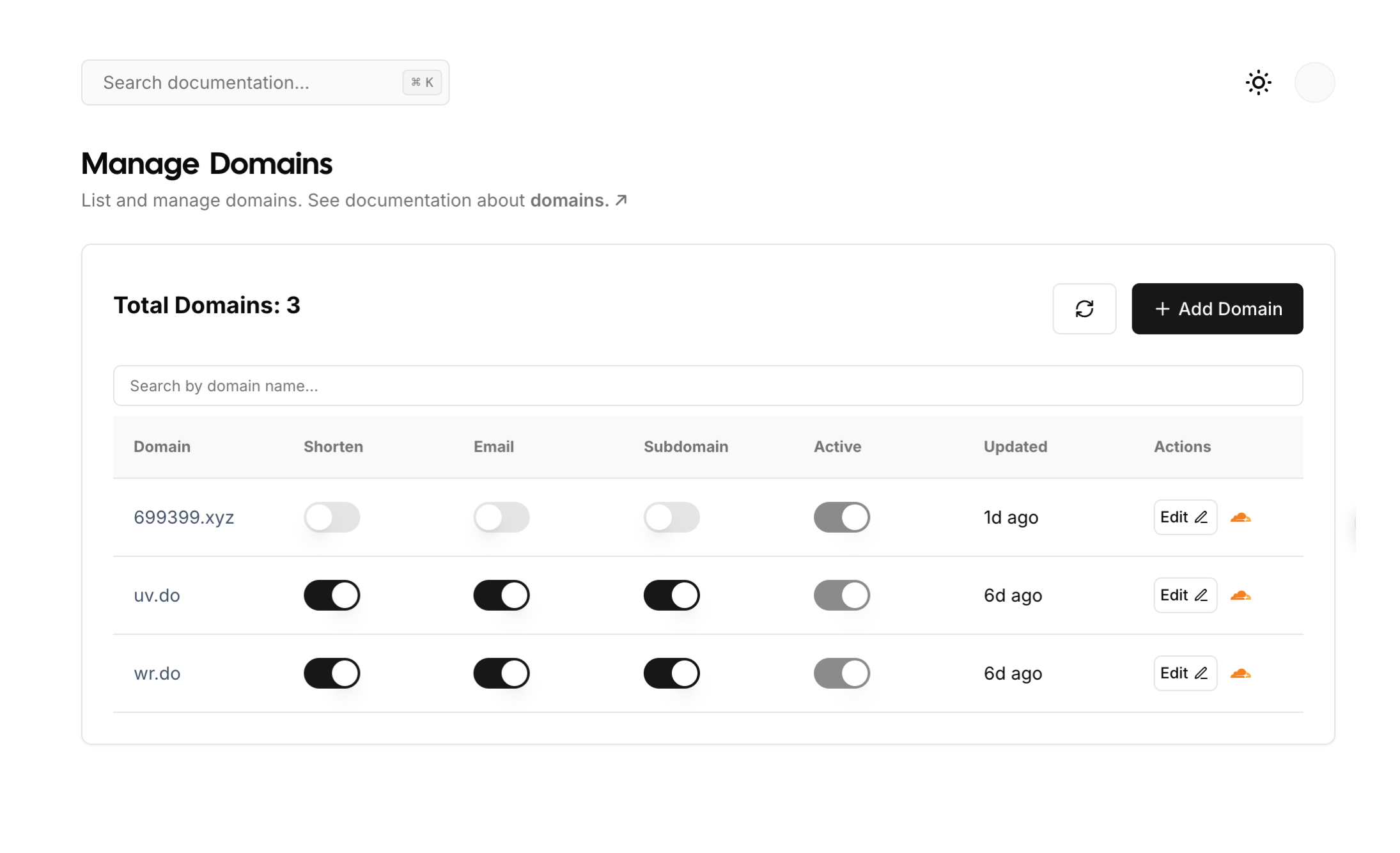
🌐 Subdomain Management Service:
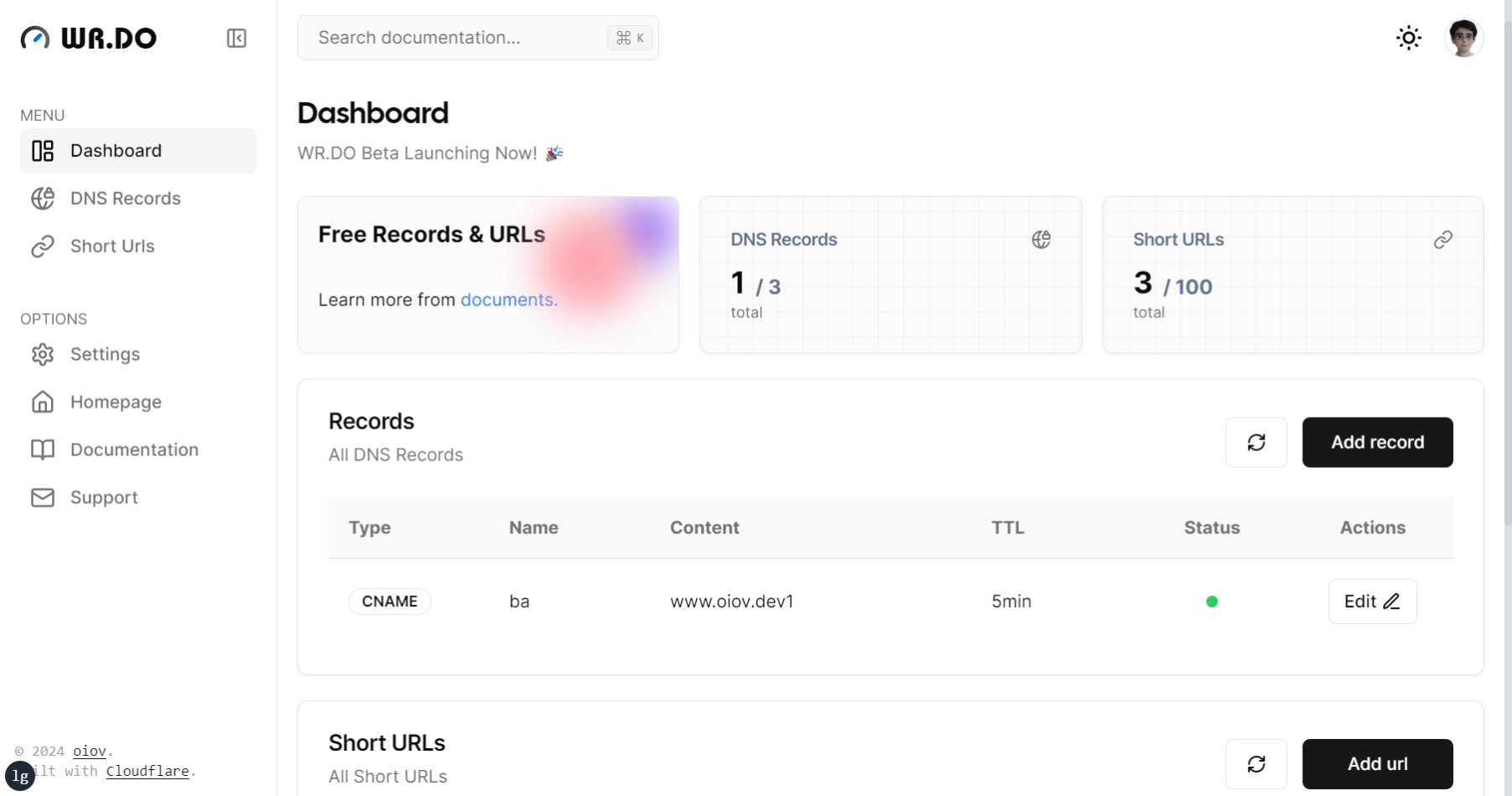
- Manage DNS records across multiple Cloudflare accounts and domains
- Create various DNS record types (CNAME, A, TXT, etc.)
- Support enabling application mode (user submission, admin approval)
- Support email notification of administrator and user domain application status
-
💳 Cloud Storage Service
- Connects to multiple channels (S3 API) cloud storage platforms (Cloudflare R2, AWS S3)
- Supports single-channel multi-bucket configuration
- Dynamic configuration (user quota settings) for file upload size limits
- Supports drag-and-drop, batch, and chunked file uploads
- Supports batch file deletion
- Quickly generates short links and QR codes for files
- Supports online preview of certain file types
- Supports file uploads via API calls
-
📡 Open API Module:
- Website metadata extraction API
- Website screenshot capture API
- Website QR code generation API
- Convert websites to Markdown/Text format
- Comprehensive API call logging and statistics
- User API key generation for third-party integrations
-
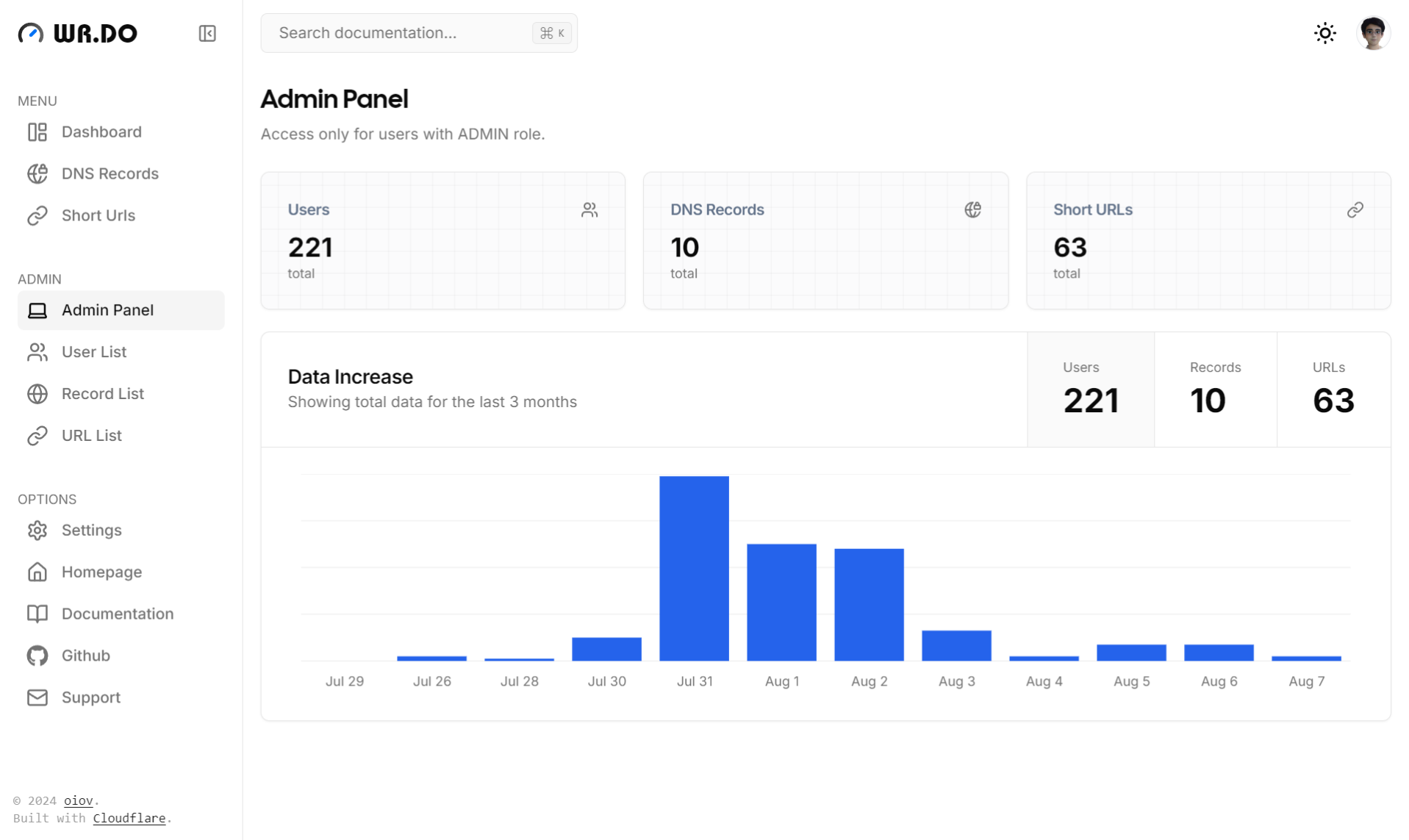
🔒 Administrator Module:
- Multi-dimensional dashboard with website analytics
- Dynamic service configuration (toggle short links, email, subdomain management)
- User management (permissions, quotas, account control)
- Dynamically configure login methods (Google, GitHub, Magic Link, Credentials, LinuxDO)
- Centralized short link administration
- Centralized email management
- Centralized subdomain administration
See step by step installation tutorial at Quick Start for Developer.
Before deploying, configure DATABASE_URL, AUTH_URL, and a random AUTH_SECRET (generate it with openssl rand -base64 32). If there is no active administrator, also set BOOTSTRAP_ADMIN_EMAIL and BOOTSTRAP_ADMIN_PASSWORD; the build initializes the administrator automatically. The password must contain at least 16 characters and at least 8 distinct characters.
The official prebuilt image is published on GitHub Container Registry as ghcr.io/oiov/wr.do/wrdo:main (or latest). No server-side image build is required.
The Docker image includes a GeoLite2 City database fetched from npm at build time to fill in missing short-link visitor locations. No MaxMind account or manual mount is needed. Vercel does not need the database. See the deployment guide for updates and proxy configuration.
Create a folder, download docker-compose.yml and .env.example, and rename .env.example to .env.
- wrdo
  | - docker-compose.yml
  | - .env
Provision a PostgreSQL database and set DATABASE_URL, AUTH_URL, and any other required values in .env. Generate AUTH_SECRET with openssl rand -base64 32. For a new installation, set BOOTSTRAP_ADMIN_EMAIL to your own email address and BOOTSTRAP_ADMIN_PASSWORD to a password of at least 16 characters. Existing instances with an active administrator do not need bootstrap credentials. Then pull and start the image:
docker compose pull
docker compose up -d
After changing server-side variables in .env, run docker compose up -d --force-recreate. The image build does not include deployment-specific GitHub Secrets; values such as DATABASE_URL and AUTH_SECRET are supplied when the container starts.
After the first administrator is created, remove BOOTSTRAP_ADMIN_PASSWORD from .env and recreate the container. On upgrade, admin@admin.com is disabled only if it still uses the original password. If no other active administrator exists, set bootstrap credentials before upgrading. Do not rotate an existing instance's AUTH_SECRET without planning for existing login sessions to expire.
Note: Next.js embeds client-side
NEXT_PUBLIC_*values at build time. Changing.envat container startup cannot change those values in the prebuilt public image. If your deployment needs custom site URLs, branding, or other client-side settings, build from source with those variables set before runningpnpm run build. The public image alone cannot currently guarantee custom client-side configuration.
git clone https://github.com/oiov/wr.do
cd wr.do
pnpm install
copy .env.example to .env and fill in the necessary environment variables.
pnpm postinstall
pnpm db:push
pnpm bootstrap-admin
# run on localhost:3000
pnpm devGenerate AUTH_SECRET with openssl rand -base64 32. Set BOOTSTRAP_ADMIN_EMAIL to your own email address and BOOTSTRAP_ADMIN_PASSWORD to a password of at least 16 characters before running pnpm bootstrap-admin. Remove the bootstrap password from .env after setup. Existing administrators with a changed password are retained; the historical default account is disabled only if it still has its original password.
Via Installation For Developer.
- Next.js + React + TypeScript
- Tailwind CSS for styling and design
- Prisma ORM as the database toolkit
- Cloudflare as the primary cloud infrastructure
- Vercel as the recommended deployment platform
- Resend as the primary email service
This project is configured with a sync workflow for the upstream repository oiov/wr.do, featuring:
- 🔄 Manual Sync Trigger - Auto-sync disabled by default, full control over sync timing
- 💬 Auto Comment After Sync - Add detailed sync information to related commits
- 🚨 Smart Error Handling - Auto-create detailed Issues when sync fails
- 🧹 Auto Cleanup Notifications - Automatically close previous sync failure Issues
See How to Trigger Sync for details.
- Discord: https://discord.gg/AHPQYuZu3m
- 微信群: