First of all, thanks for contributing to DIBgram!
Found a bug in DIBgram? This section helps you report a bug and let the developer know about it.
- Go to the issues tab
- Check if there is any existing issue reporting the same thing. If there isn't any, go to the next step.
- At the top of the page, click on the green 'New issue' button
- Select the 'Bug report' template (click the 'Get started' button next to it)

- Enter a title and fill in the template
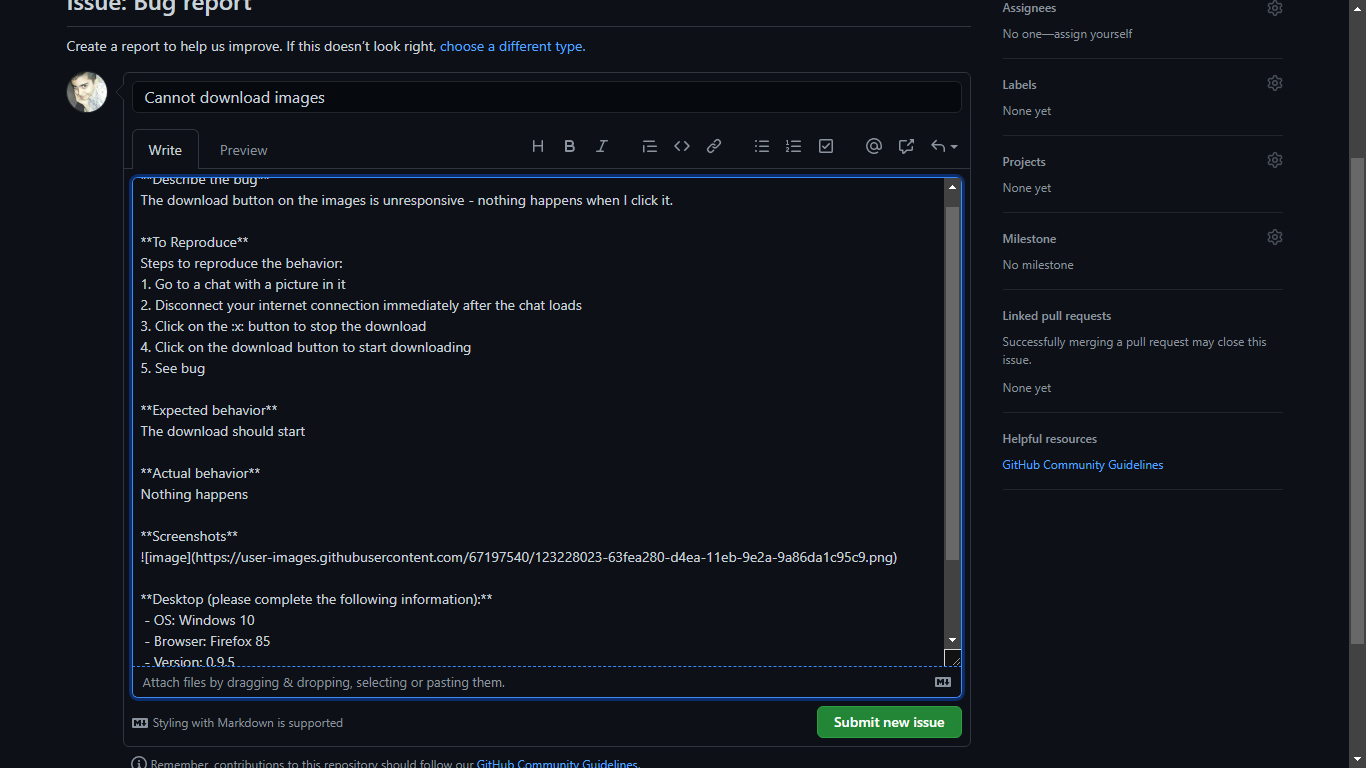
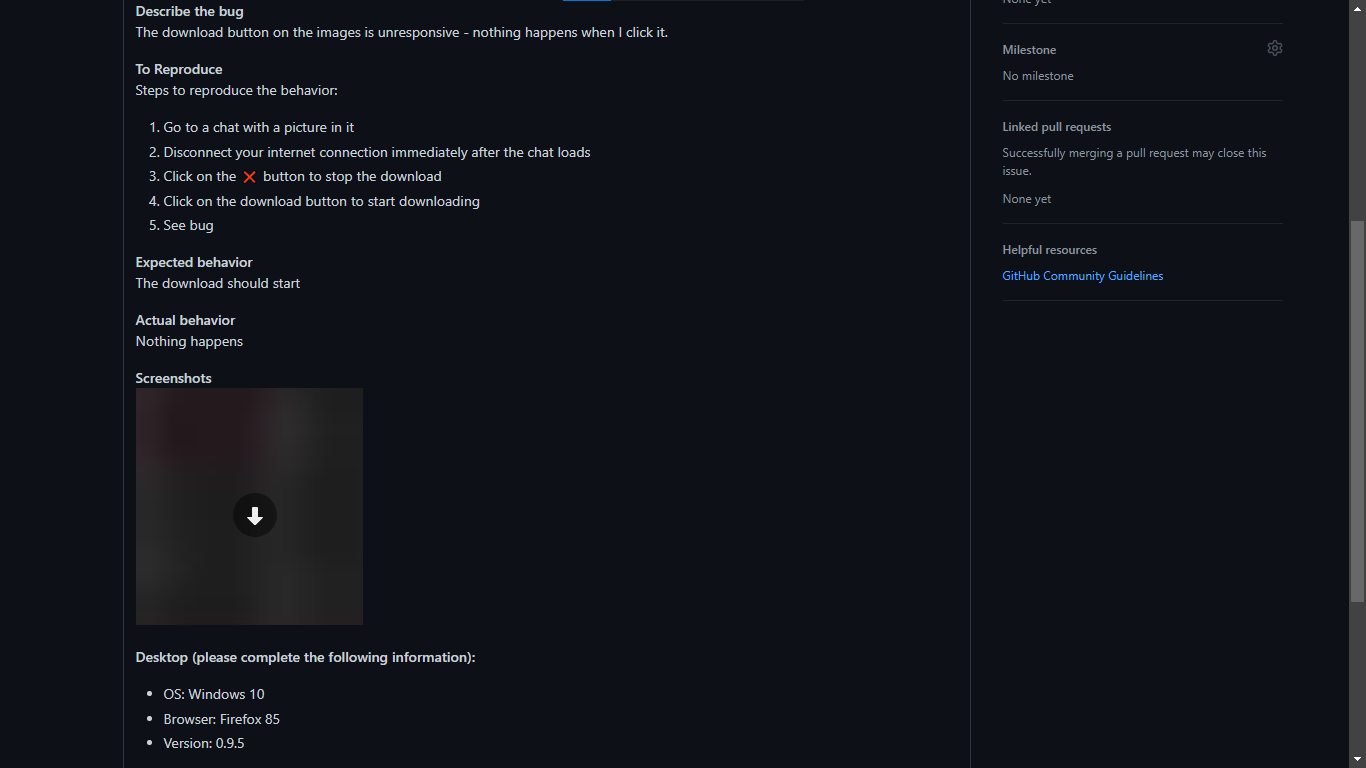


Please remain available after posting the issue, the developer/moderator may ask for further information.
-
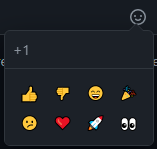
When you have the same browser, OS and network as the original reporter Then you can put a 👍 reaction on the issue (the reaction button is at the top of the box)
-
When your browser, OS or network are different than the original poster Post a comment on the issue and specify your details.
Example:
I am experiencing the same on Chrome 68 with Ubuntu 18.04
You can also put a 👍 reaction on another comment which says the same.

Found a feature missing from DIBgram? You can ask for it to be added!
Feature requests usually take a long time to be added, depending on how big it is.
Not all feature requests are accepted. The reasons for rejection include, but are not limited to:
- It is not there in the official Telegram Desktop app (This defeats DIBgram's purpose, which is to be a web version of Telegram Desktop)
- It is too much work for little benefit
- It breaks Telegram's terms of service
- It is impossible to do, because of limitations on Telegram API, web technologies or other things
- It is not applicable for a web app
Requesting a feature is very similar to reporting a bug, but you have to chose the 'Feature request' template at step 4
If you want to fix a bug or implement an accepted feature request yourself, you can fork DIBgram, do the modifications and pull request.
Tip: Visit the Recommended development stystem page to get the best experience when working on DIBgram.
The contributions need to have the following qualities to be accepted:
- There should be no errors, warnings or notices from ESLint or StyleLint
- It should compile and run successfully
- It should not introduce a feature that is not present in the official Telegram Desktop app
- Behavior and UI should be similar to the official Telegram Desktop app