Google launched the Chrome Web Store yesterday during a press briefing, during which the search giant also demonstrated its upcoming Chrome OS platform. The Web Store allows users to “install” Web applications, making them easily accessible from Chrome’s new tab page.
The Chrome Web Store is part of Google’s effort to turn the Web into a viable computing platform. It is intended to make useful Web tools more discoverable and enable Web application developers to take advantage of conventional commercial software distribution models.
The Chrome Web Store is modeled after popular mobile application stores and offers a similar set of features. It prominently displays featured applications and allows users to browse through available software by category. It supports ratings, reviews, search, and all of the other features that you’d expect to see in an application store.
Chrome applications
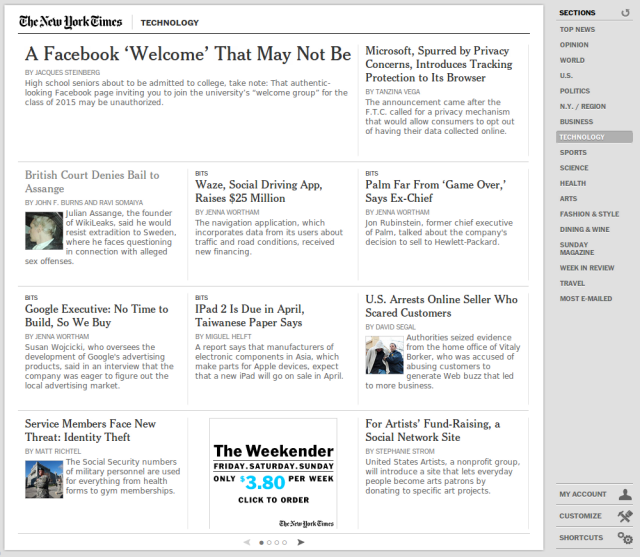
I tested about a dozen of the “applications” to get a feel for the user experience. The vast majority of the applications that I tested functioned simply as links to regular webpages—very few offered a truly application-like user experience. The few that were designed to look like native applications often felt like glitzy tech demos and were substantially less functional than the equivalent websites.
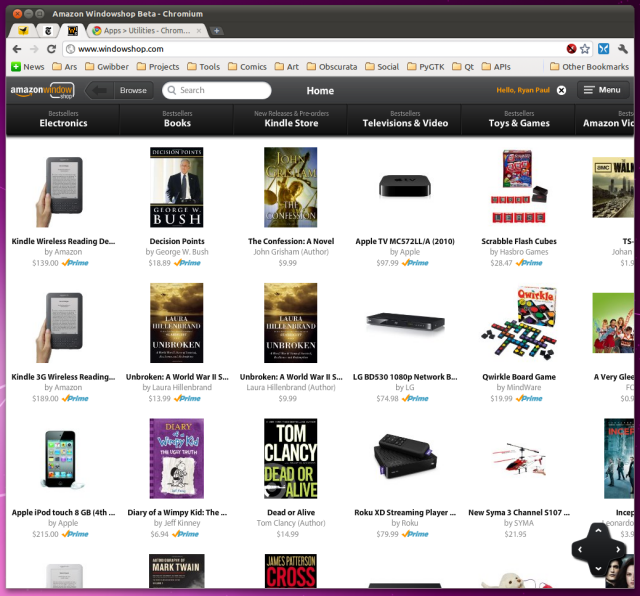
One example is Amazon’s Windowshop program, a full-page Flash applet that provides a thumbnail grid for browsing Amazon’s products. The Windowshop user interface borrows heavily from the iPad and looks like it was engineered largely for touchscreen flick-and-tap interaction. I can’t really imagine why anybody would want to use it on a device without a touchscreen. It exposes a lot less information than the regular Amazon website and isn’t as practical for navigation.

 Loading comments...